




01. Edit your form f32 application response online
Type text, add images, blackout confidential details, add comments, highlights and more.

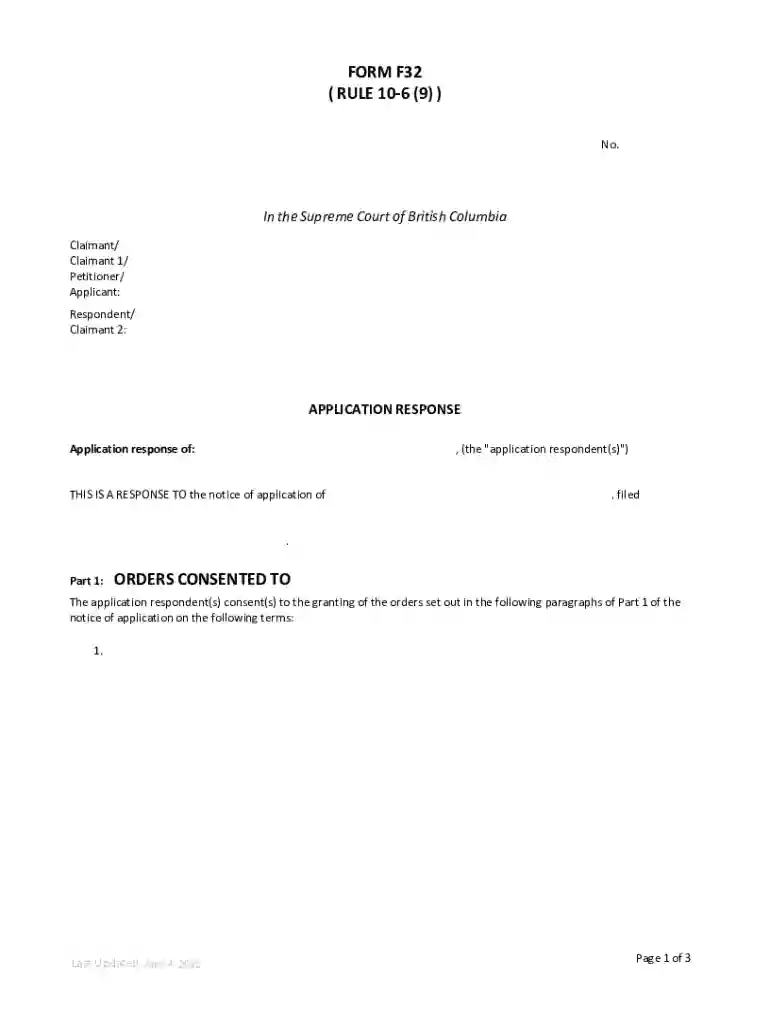
Type text, add images, blackout confidential details, add comments, highlights and more.

Draw your signature, type it, upload its image, or use your mobile device as a signature pad.

Send form f32 via email, link, or fax. You can also download it, export it or print it out.
The term "form online" refers to digital documents that can be completed, submitted, and often signed on the internet. This process eliminates the need for physical paperwork, thus streamlining administrative tasks for users in various contexts. Online forms can range from simple contact forms to complex legal or financial documents. Utilizing platforms like DocHub, users can create, edit, and manage these forms easily, incorporating features such as fillable fields and electronic signatures to enhance usability.
To effectively use a form online, follow these steps:
Access the Form: Start by locating the required form on DocHub or another platform by searching for the specific document or selecting it from a provided list.
Review Instructions: Always read any provided instructions to ensure understanding of what information needs to be submitted and how to fill out the form accurately.
Fill Out the Form: Enter the necessary information in fillable fields, including text boxes, dropdown menus, and checkboxes. Utilize online tools for editing or annotating if additional information needs to be provided.
Add Digital Signatures: Where applicable, use the platform's signature feature to sign the document electronically, ensuring the authenticity and compliance of your signed forms.
Submit the Form: Once completed, submit the form directly through the platform, either via email or a cloud storage service like Google Drive.
Completing an online form can often be done in a few straightforward steps:
Preparation: Gather any necessary documents or information beforehand to easily fill out the form.
Create or Access the Form: Obtain the form from the relevant platform or organization. For DocHub users, this might include importing a file or creating a new form from scratch.
Input Information: Use the platform's form-filling tools to enter required data. Mandatory fields are often highlighted to guide completion.
Review the Form: Check all entered information for accuracy and completeness. Make use of any available review tools to ensure there are no errors or omissions.
Sign the Form: Apply your electronic signature where required. For multi-signer documents, designate signing order in the platform settings.
Save & Submit: Once reviewed and signed, save the form. Submit it according to the instructions provided, ensuring you follow any platform-specific submission steps.
When dealing with forms online, several key elements ensure their effectiveness:
Online forms serve various legal functions, from contracts and agreements to applications and declarations. Platforms like DocHub adhere to U.S. laws, such as the ESIGN Act, which grants electronically signed forms the same legal standing as their paper counterparts. Users can securely complete, sign, and submit legally binding documents, confident in their compliance with applicable regulations.
Online forms are used in numerous scenarios:
These examples highlight the versatility and efficiency of using forms online for day-to-day and specialized tasks.
When completing an online form, users may need to provide supplemental documents. Typical requirements include:
Ensuring these documents are accessible when completing the form diminishes processing delays and facilitates smooth submission.
Online forms can typically be submitted via various methods:
These options provide flexibility, allowing users to choose the submission method best suited to their needs, ensuring efficient processing and record-keeping.
We've got more versions of the form f32 application response form. Select the right form f32 application response version from the list and start editing it straight away!
At DocHub, your data security is our priority. We follow HIPAA, SOC2, GDPR, and other standards, so you can work on your documents with confidence.
□ HOW TO GET THE SF 424 (RR) FORM RELEVANT TO YOUR F32 APPLICATION? □ Online, on the PA for the F32 fellowship page more
To provide postdoctoral research training to individuals to broaden their scientific background. F32 Parent Announcements are available. simply provide the


