
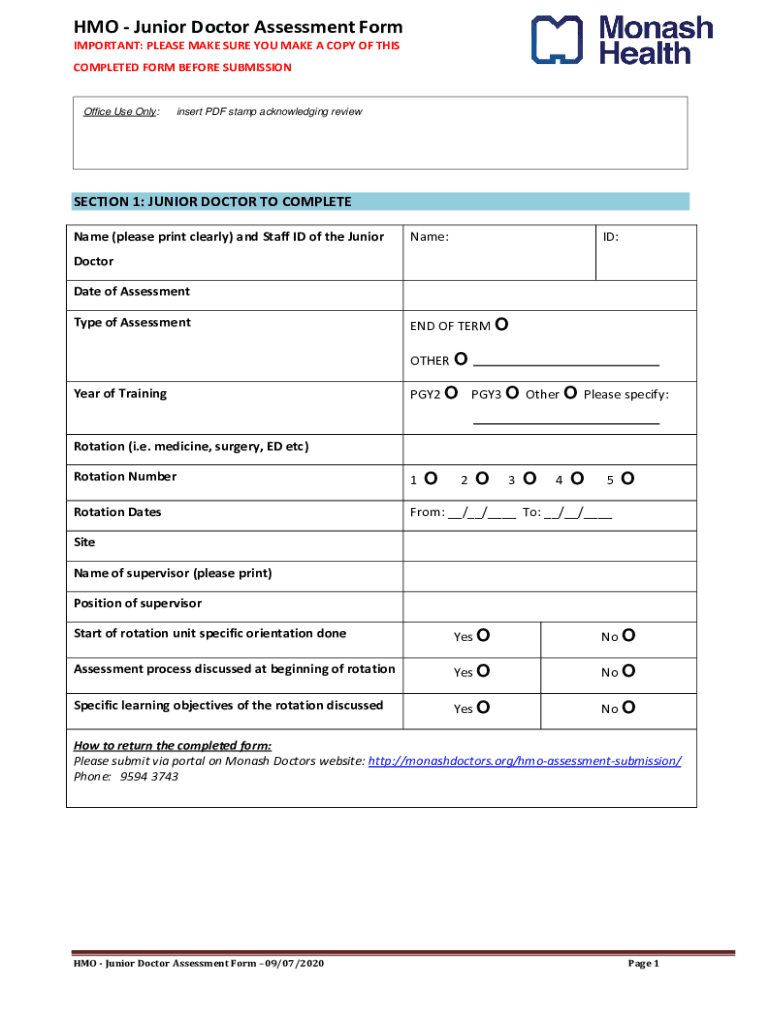







Definition & Meaning
In the digital age, "form online" refers to electronic or digital versions of documents that can be completed, submitted, and processed over the internet. These forms are designed to facilitate easy data entry and transmission, removing the need for physical paperwork and enabling remote completion and submission. They can range from simple contact forms to complex applications, such as tax filings or legal documents. The term encompasses forms used for various purposes, including government, educational, business, and personal applications, and emphasizes efficiency, accessibility, and immediate responsiveness in handling data.
Steps to Complete the Form Online
-
Access the Form: Visit the relevant website or platform where the form is available. Ensure you have a reliable internet connection for uninterrupted access.
-
Sign In or Register: If required, log into your account or create one to proceed with using and submitting the online form. This step may include verifying your email address or phone number for security purposes.
-
Complete the Form: Enter the necessary information into designated fields. Pay attention to required fields, often marked with an asterisk, to ensure complete entry. Use checkboxes, dropdown menus, and text fields provided for a structured data entry experience.
-
Review the Information: Before submitting, double-check the information for accuracy and completeness. This step includes verifying personal data, ensuring no fields are left blank, and confirming that all attachments (if applicable) are correctly uploaded.
-
Submit the Form: Once satisfied with the information, submit the form through the platform. Some systems offer a confirmation screen, while others may send a confirmation email acknowledging receipt of your submission.
-
Retain a Copy: Save or print a copy of the submitted form and confirmation for your records. This acts as proof of submission and can be useful in case of discrepancies or future reference.
Why Should You Form Online
Filling out forms online offers several advantages:
- Convenience: Access and complete forms anytime and anywhere, eliminating geographical barriers and time zones.
- Efficiency: Use pre-populated fields or automated checks to streamline data entry and reduce errors.
- Cost-Effectiveness: Save costs on paper, printing, and physical storage by using electronic forms.
The embrace of online forms reflects a shift towards digital transformation, accommodating increased productivity and environmental sustainability.
Important Terms Related to Form Online
- Encryption: Many online forms use encryption to protect sensitive information during transmission.
- Captcha: A security feature that ensures submissions come from humans, not bots.
- Electronic Signature: Legally valid digital signature used to authorize an online form.
- Responsive Design: Ensures forms function well across various devices, from desktops to mobile phones.
Understanding these terms helps in navigating online forms proficiently and securely, ensuring a smooth user experience.
Legal Use of the Form Online
Online forms often require adherence to specific legal standards to ensure their validity:
- Compliance with ESIGN and UETA: These acts provide the legal basis for electronic signatures and records, ensuring that digital forms hold the same weight as their paper counterparts.
- Privacy Laws: Compliance with laws such as GDPR or CCPA is crucial for forms collecting personal data, ensuring users' privacy rights are respected.
- Timestamping: Some forms include timestamps to verify when data was submitted, important in disputes or audits.
These regulations ensure the reliability and legal enforceability of online forms, making them trustworthy for business and personal use.
Examples of Using the Form Online
- Tax Filings: Online tax forms allow for easy submission of personal and business taxes, often through platforms like TurboTax.
- Application Forms: Used for applications ranging from college admissions to job applications, allowing for efficient processing.
- Surveys and Feedback Forms: Gather data from participants in research or collect customer feedback effectively.
These practical applications highlight the versatility and widespread adoption of online forms in various sectors.
Filing Deadlines / Important Dates
The convenience of forms online also aligns with adherence to specific deadlines:
- Annual Tax Returns: Typically due by mid-April for individuals in the U.S., with many online platforms offering reminders and countdowns.
- Application Deadlines: Academic and employment applications often have fixed submission deadlines, emphasized through online portals.
- Regulatory Filings: Business compliance forms have periodic deadlines, which can vary by industry and state.
Keeping track of these schedules ensures compliance and can prevent penalties or missed opportunities.
Form Submission Methods (Online / Mail / In-Person)
While forms online dominate due to ease and efficiency, some documents may still be submitted via traditional methods:
- Online Submission: The most convenient and fastest method, offering immediate acknowledgment of receipt.
- Mail-In Submission: Used for forms requiring physical signatures or documentation, though slower and subject to postal service delays.
- In-Person Submission: Necessary for certain legal documents or when verifying identity in-person is mandated.
Choosing the right submission method depends on the nature of the form and any specific requirements it may include.




