




Here's how it works

01. Edit your va form 21 0960l 2 online
Type text, add images, blackout confidential details, add comments, highlights and more.

02. Sign it in a few clicks
Draw your signature, type it, upload its image, or use your mobile device as a signature pad.

03. Share your form with others
Send 21 0960l 2 via email, link, or fax. You can also download it, export it or print it out.
How to use or fill out VA Form 21-0960L-2 with our platform

- Click ‘Get Form’ to open it in the editor.
- Begin by entering the patient's name and Social Security number at the top of the form. This information is crucial for identification purposes.
- In Section I, indicate whether the veteran has sleep apnea by selecting 'Yes' or 'No.' If 'Yes,' provide details in Item 1B regarding the type of sleep apnea diagnosed, including ICD codes and dates.
- Proceed to Section II to describe the veteran's medical history related to their sleep disorder. Include any medications required for control and whether a breathing assistance device is used.
- In Section III, check any current findings or symptoms attributable to sleep apnea. Be thorough in documenting all relevant signs.
- Complete Section V by confirming if a sleep study has been performed and summarizing its results. This section is vital for validating the diagnosis.
- Finally, ensure that Sections VI and VII are filled out accurately, detailing any functional impacts of sleep apnea and providing remarks as necessary before signing in Section VIII.
Start using our platform today to fill out your VA Form 21-0960L-2 easily and for free!
Fill out va form 21 0960l 2 online
It's free
It's free
See more va form 21 0960l 2 versions
We've got more versions of the va form 21 0960l 2 form. Select the right va form 21 0960l 2 version from the list and start editing it straight away!
| Versions | Form popularity | Fillable & printable |
|---|---|---|
| 2016 | 4 Satisfied (47 Votes) |
Security and compliance
At DocHub, your data security is our priority. We follow HIPAA, SOC2, GDPR, and other standards, so you can work on your documents with confidence.
Learn more


Related forms

Zambia Revenue Authority - ZRA
The document is a tax return form for withholding tax under the Income Tax Act, detailing taxpayer information, payment ...
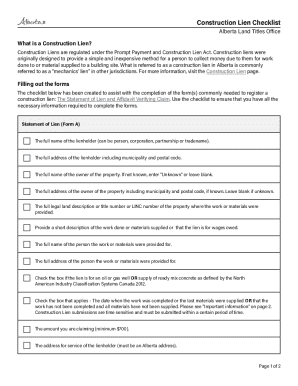
Construction Lien Checklist
The document is a Construction Lien Checklist from the Alberta Land Titles Office, outlining the process and requirement ...
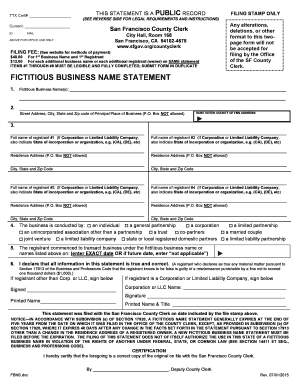
Fictitious business name statement form
The document is a Fictitious Business Name Statement form for filing with the San Francisco County Clerk. It outlines th ...

Second b notice template
The document is a Second B Notice informing the recipient of an incorrect taxpayer identification number (TIN) associate ...

Worksheet 7 1 imperialism map
The document is a worksheet for students to map European imperialism in Africa and Asia, detailing territories controlle ...
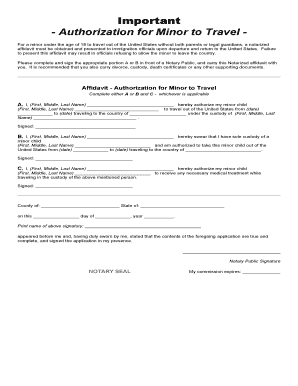
Authorization for Minor to Travel For a minor under the age of 18 to travel out of the United States
Authorization for Minor to Travel For a minor under the age of 18 to travel out of the United States
The document outlines the requirements for a notarized affidavit needed for a minor under 18 to travel outside the Unite ...

DME Assessment Checklist doc
The document is a client assessment form for medical equipment and personal supplies, detailing items needed or already ...
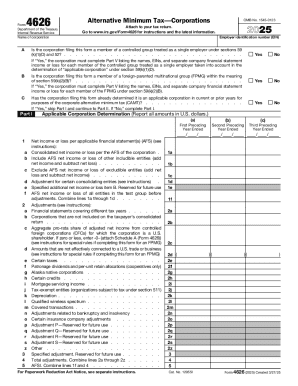
Instructions for Form 4626, alternative minimum tax
The document is Form 4626 for the year 2025, used by corporations to report their Alternative Minimum Tax (AMT) obligati ...