




01. Edit your form online
Type text, add images, blackout confidential details, add comments, highlights and more.

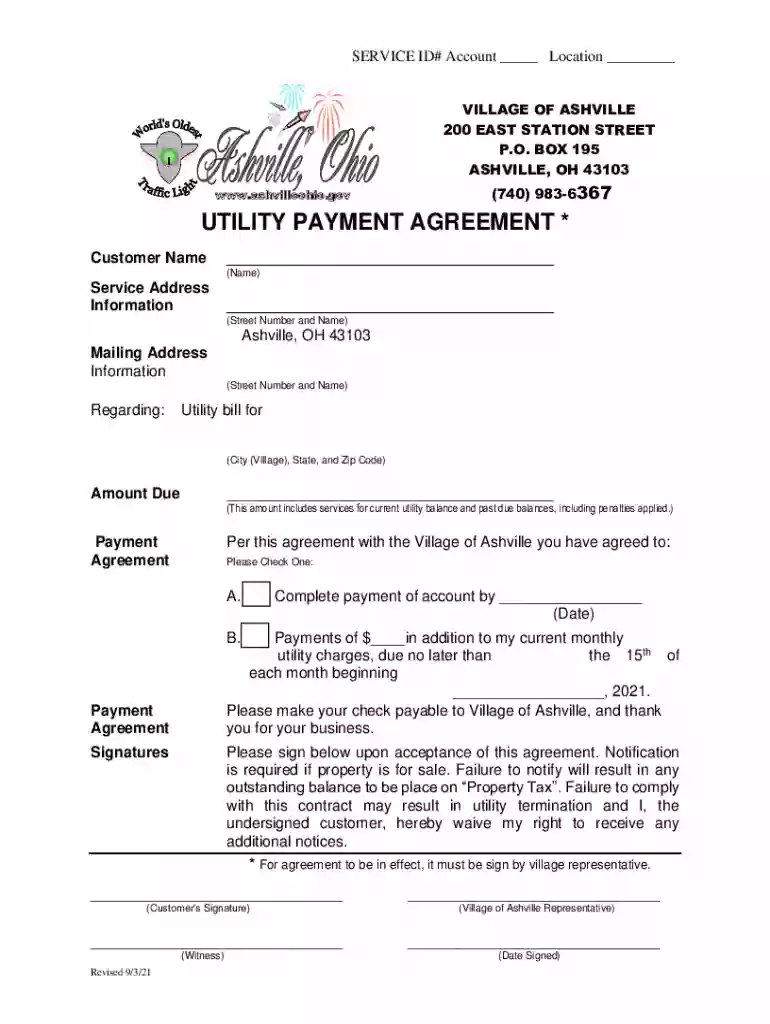
Type text, add images, blackout confidential details, add comments, highlights and more.

Draw your signature, type it, upload its image, or use your mobile device as a signature pad.

Send it via email, link, or fax. You can also download it, export it or print it out.

Start using our platform today to fill out your Registry of Motor Vehicles - ID Cards (Photo) form online for free!
We've got more versions of the Registry of Motor Vehicles - ID Cards (Photo) form. Select the right Registry of Motor Vehicles - ID Cards (Photo) version from the list and start editing it straight away!
Yes, you can use DocHub for signing any business and private documentation, including your Registry of Motor Vehicles - ID Cards (Photo). All electronic signatures you create with our tool are legally binding and court-admissible, as DocHub complies with criteria required by ESIGN and UETA. Save your accomplished paperwork with a detailed Audit Trail if necessary.
Apart from an extensive toolset for editing PDFs on mobile devices, DocHub allows you to sign your Registry of Motor Vehicles - ID Cards (Photo) along the way. Open our editor in your internet browser, make changes using DocHub’s toolset, and complete your editing by eSigning the finished form.
At DocHub, your data security is our priority. We follow HIPAA, SOC2, GDPR, and other standards, so you can work on your documents with confidence.
Have your thumbprint scanned. Have your photo taken. You will receive your new ID card via mail within three to four weeks.
The Registry of Motor Vehicles issues two forms of ID for non-drivers, one of which is a Liquor ID for people 21 years of age and older who want to buy alcohol.Read more


