




01. Edit your belco direct deposit form online
Type text, add images, blackout confidential details, add comments, highlights and more.

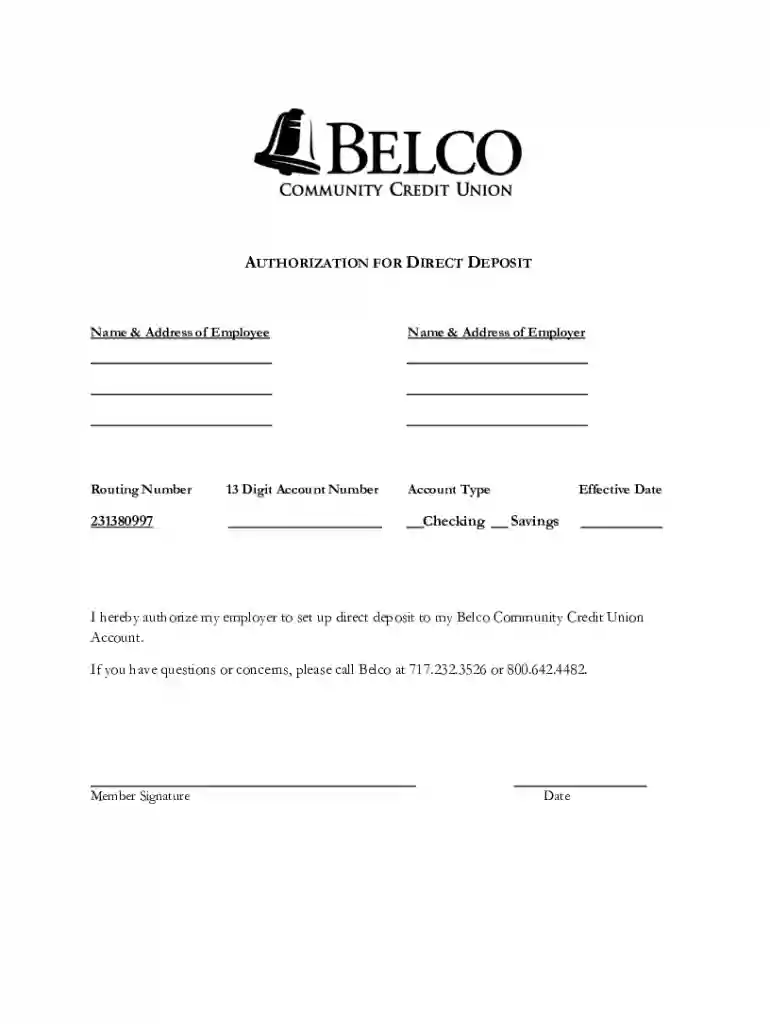
Type text, add images, blackout confidential details, add comments, highlights and more.

Draw your signature, type it, upload its image, or use your mobile device as a signature pad.

Send belco community credit union direct via email, link, or fax. You can also download it, export it or print it out.
The "form online" concept refers to using digital formats to create, edit, or complete a variety of form types over the internet. These forms can range from official government documentation to simple administrative templates used by businesses. The convenience of form online systems allows users to access forms from anywhere, provided they have internet connectivity, simplifying tasks such as submissions and modifications.
Forms online are designed to replicate traditional paper-based forms, equipped with interactive fields, dropdown menus, and signature areas. This transition boosts efficiency by allowing real-time data collection, minimizing errors common with manual entries, and facilitating easy access and organization of documents. Additionally, online forms typically offer better security and data protection measures, contributing to their widespread adoption.
When completing a form online, following a systematic approach ensures accuracy and efficiency. Here’s a step-by-step guide:
Access the Form: Locate the form via a direct link or through the website offering it. Ensure you have the correct version.
Read the Instructions: Before filling out the form, read any provided instructions or guidelines, as failure to comply could result in rejection.
Fill Out Required Fields: Use the interactive fields to input information. Required fields must be completed for successful submission.
Review for Accuracy: Double-check all entries for errors. Online forms often include a review step before final submission.
Attach Required Documents: Many online forms allow attachments. Ensure any additional documentation is uploaded correctly.
Sign the Form: If required, use the platform's electronic signature feature for legal authentication.
Submit the Form: Once everything is correctly filled and reviewed, submit the form. Keep a copy for your records by downloading or printing it.
Opting for digital forms online presents numerous advantages:
Convenience: Access and work on forms anytime, anywhere, without the constraints of office hours.
Time Efficiency: Skip the need for physical mail or in-person visits, with instantaneous electronic submission.
Error Reduction: Automated checks can minimize errors, and real-time feedback reduces the chance of incomplete submissions.
Sustainability: Reduces paper usage, contributing to environmentally friendly practices.
Efficiency in Record-Keeping: Easier organization and retrieval of documents within digital systems.
Effective online forms include several essential components to enhance usability and functionality:
Interactive Fields: These allow for user input in various formats, such as text boxes, checkboxes, and radio buttons.
Field Validation: Ensures that inputs meet specific criteria, preventing entry errors.
Help Texts/Tooltips: Offer guidance on what is required in each field, helping users provide accurate information.
Progress Indicators: Useful in multi-page forms to show users their current position and remaining sections.
Submission Confirmation: Confirms successful submission and often provides a reference number for tracking purposes.
Understanding terminology is key when dealing with online forms:
Interactive Fields: Areas where users input information.
Encryption: Security measures protecting data transmitted in forms.
OAuth: A protocol ensuring secure authorization, commonly used in online form workflows.
SSL Encryption: A standard security technology establishing encrypted links to secure data transfer.
These terms help users navigate the online form landscape efficiently, ensuring they maximize the benefits offered by online systems.
Forms online are widely used across various sectors to simplify processes:
Businesses: For contract signing, client onboarding, and employee agreements.
Individuals: For personal documentation, such as tax filings and applications.
Governments: Distribute and process registration, permits, and official record forms.
Educational Institutions: Handle admissions, surveys, and assessments digitally, boosting communication efficiency and record accuracy.


Several scenarios illustrate the utility of online forms:
Tax Filings: Individuals can complete and file taxes online, speeding up the process and minimizing errors.
Job Applications: Applicants fill out job forms online, often with automated assistance, leading to quicker submission and processing.
Legal Agreements: Online platforms enable the execution of digital contracts that are legally binding post-electronic signature.
Each example demonstrates the time-saving and improved accuracy benefits associated with digital forms.
Online forms often integrate seamlessly with other applications to enhance productivity:
Integration with Accounting Software: Platforms like QuickBooks may be used to automatically input financial data into forms.
Compatibility with Document Management Systems: Ensures forms can be easily stored and retrieved.
By combining form completions with these systems, workflow efficiency is significantly improved, saving time and reducing errors.
Using forms online legally involves compliance with several standards:
Adherence to ESIGN Act: Ensures signatures obtained digitally are legally binding across the United States.
Data Protection Laws: Compliance with laws such as GDPR or HIPAA in relevant contexts for secure data handling.
These legal frameworks ensure that digital forms are not only efficient but also secure and legally viable, fostering trust in their use across various sectors.
While online forms offer broad applicability, state-specific regulations might apply:
Variation in Tax Forms: Different states may have unique tax forms or submission processes.
Regulatory Compliance: Certain documents may require adherence to state laws or local government requirements.
Understanding these specifics is crucial for effective document management and legal compliance within various regions.
We've got more versions of the belco direct deposit form form. Select the right belco direct deposit form version from the list and start editing it straight away!
| Versions | Form popularity | Fillable & printable |
|---|---|---|
| 2017 | 4.8 Satisfied (105 Votes) |
At DocHub, your data security is our priority. We follow HIPAA, SOC2, GDPR, and other standards, so you can work on your documents with confidence.


