



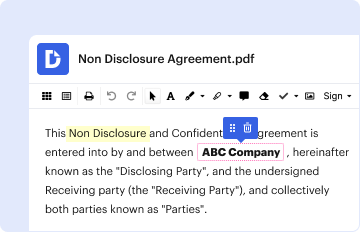
01. Edit your mv 45 form online
Type text, add images, blackout confidential details, add comments, highlights and more.

Type text, add images, blackout confidential details, add comments, highlights and more.
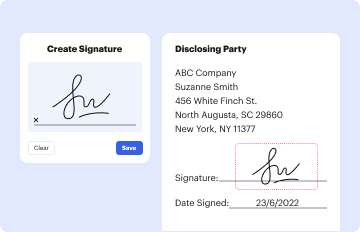
Draw your signature, type it, upload its image, or use your mobile device as a signature pad.

Send mv 45 via email, link, or fax. You can also download it, export it or print it out.

Start using our platform today to fill out your mv 45 form easily and for free!
We've got more versions of the mv 45 form form. Select the right mv 45 form version from the list and start editing it straight away!
At DocHub, your data security is our priority. We follow HIPAA, SOC2, GDPR, and other standards, so you can work on your documents with confidence.
The Wind Monitor-Alpine model measures horizontal wind speed and direction. It is rugged and corrosion resistant, yet accurate and light weight.
You can apply for a non-driver photo ID card at the Department of Motor vehicles. This ID is a valid form of identification but cannot be used to drive. How canRead more
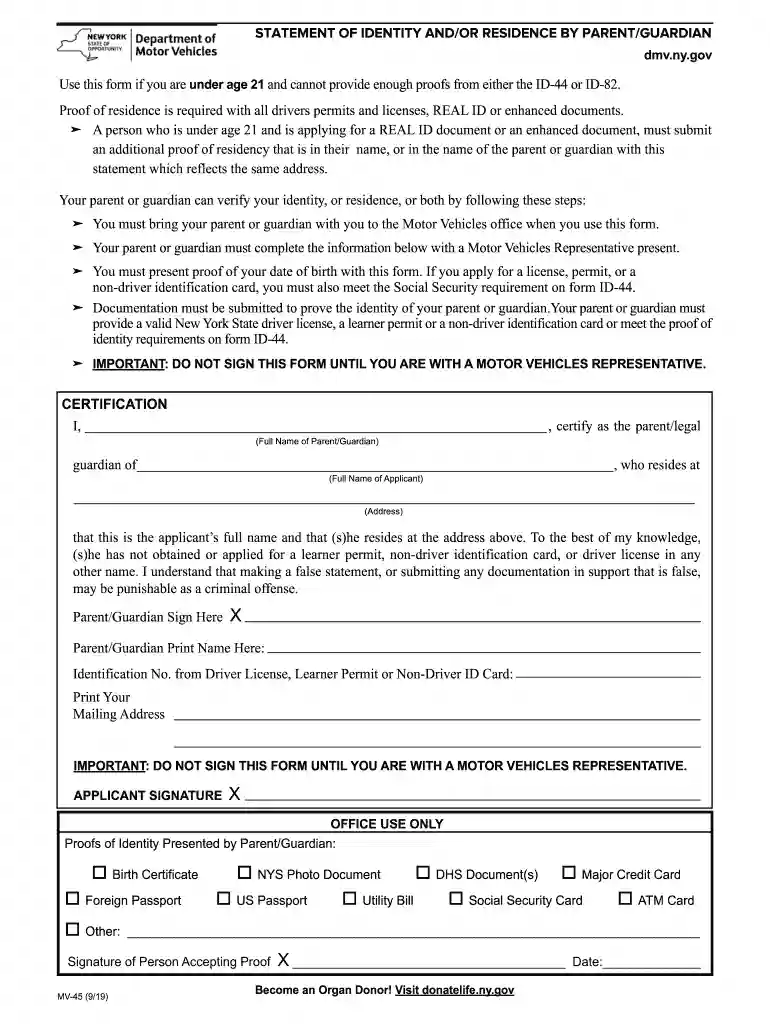
MV-45: STATEMENT OF IDENTITY AND/OR RESIDENCE BY PARENT/GUARDIAN (PDF) Use this form if you are under age 21. Proof of residence is required to apply for all


