



01. Edit your nd cjis login online
Type text, add images, blackout confidential details, add comments, highlights and more.

Type text, add images, blackout confidential details, add comments, highlights and more.

Draw your signature, type it, upload its image, or use your mobile device as a signature pad.

Send nd cjis portal via email, link, or fax. You can also download it, export it or print it out.

Start using our platform today to streamline your document editing and signing process for free!
We've got more versions of the nd cjis login form. Select the right nd cjis login version from the list and start editing it straight away!
| Versions | Form popularity | Fillable & printable |
|---|---|---|
| 2019 | 4.8 Satisfied (233 Votes) |
Log in to your DocHub account and import your cjis nd login to our editor using one of its upload methods - from your device, cloud storage, secure URL, or your DocHub folders if you have already managed your form before. Open our editor, click the Sign button in the top toolbar, and choose your signing method. You can upload a picture of your handwritten signature, draw it, enter your name, or use a QR code instead.
With DocHub, there are several convenient ways to edit your ND CJIS Stars Agency Agreement Form online. You can drag and drop the form and modify it directly at the DocHub website or use our browser extension to fill out your form right away. On top of that, you can modify your PDF on your smartphone, as DocHub works with all the available mobile platforms.
At DocHub, your data security is our priority. We follow HIPAA, SOC2, GDPR, and other standards, so you can work on your documents with confidence.
by M Price 2013 Cited by 32 The Brennan Center for Justice at NYU School of Law is a nonpartisan law and policy institute that seeks to improve our systems of democracy and justice.Read more
The proper agreement form will be sent to the user agency: submissions or related identification forms submitted to the FBI by local, state and federalRead more
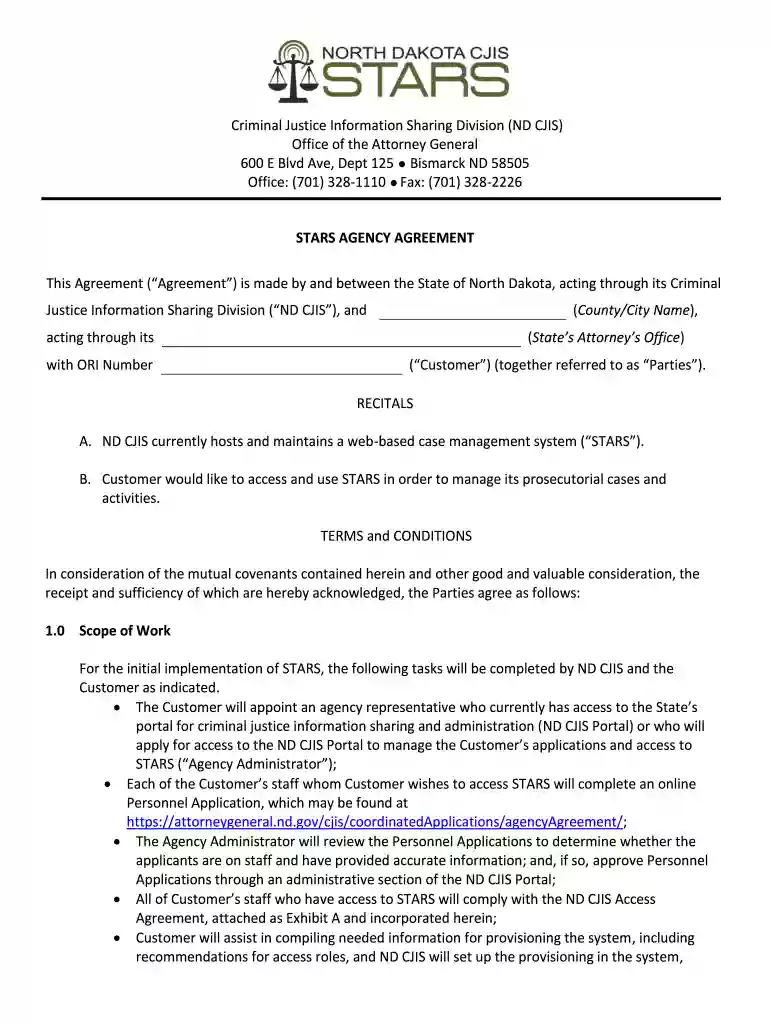
This Agreement (Agreement) is made by and between the State of North Dakota, acting through its Criminal Justice Information Sharing. Division (ND CJIS),Read more


