
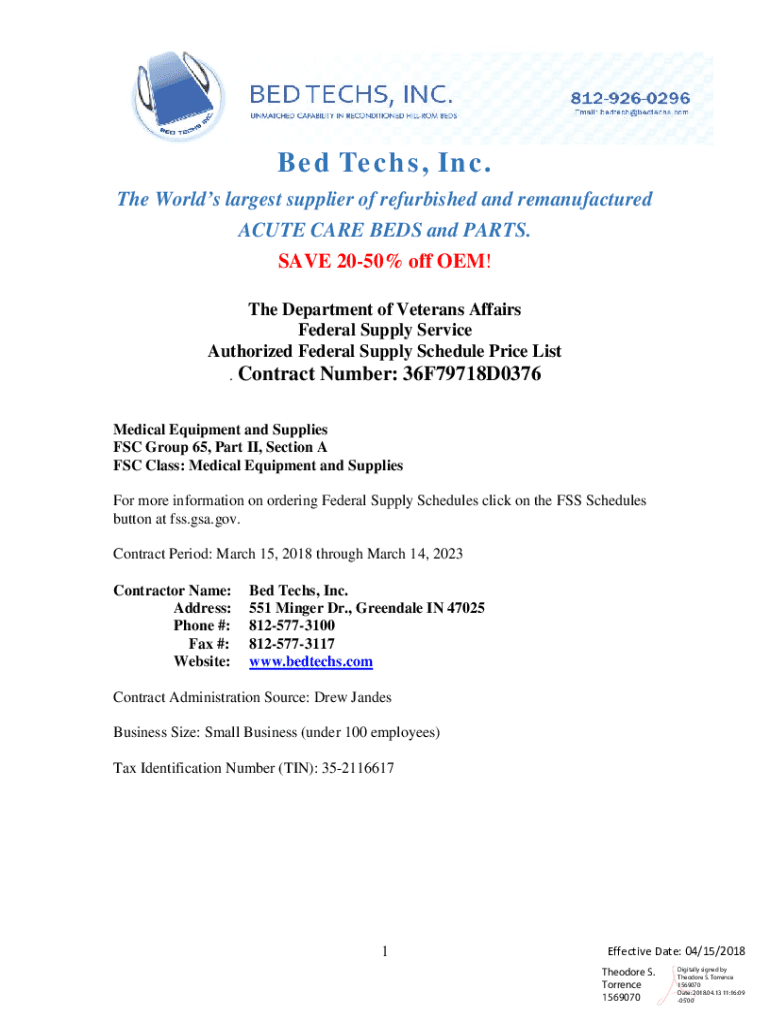




Here's how it works



How to use or fill out Bed Techs, INC. ,United States with our platform

- Click ‘Get Form’ to open the Bed Techs, INC. document in the editor.
- Begin by filling in your contact information in the designated fields, including your name, address, phone number, and email. Ensure accuracy for seamless communication.
- Review the sections detailing awarded special item numbers and pricing. Make note of any specific items you wish to order from the list provided.
- For ordering details, refer to the maximum and minimum order requirements. Input your desired quantities while keeping these limits in mind.
- If applicable, fill out any warranty or return information as outlined in the document. This ensures you are aware of your rights regarding product returns.
- Once all fields are completed, review your entries for accuracy before saving or submitting the form through our platform.
Start using our platform today to streamline your form completion process for Bed Techs, INC.!
It's free
See more Bed Techs, INC. ,United States versions
| Versions | Form popularity | Fillable & printable |
|---|---|---|
| 2018 | 4.6 Satisfied (22 Votes) |
Got questions?
How do I sign my number medical equipment supplies search online?
Log in to your DocHub account and import your number medical equipment supplies search to our editor using one of its upload options - from your device, cloud storage, secure URL, or your DocHub folders if you have already processed your document before. Open our editor, click the Sign button in the top toolbar, and decide on your signing method. You can use an image of your handwritten signature, draw it, type in your name, or use a QR code instead.
How do you edit Bed Techs, INC. ,United States on iOS?
You can easily edit fill out your Bed Techs, INC. ,United States on any iOS gadget. Open an internet browser of your choice, go to the DocHub site, authorize or create a new account, add your file for editing, and make your required changes. Our service is mobile-friendly, so utilizing its features on your smartphone will be a no-brainer, even on the first try.
Security and compliance
At DocHub, your data security is our priority. We follow HIPAA, SOC2, GDPR, and other standards, so you can work on your documents with confidence.
Learn more




