




Here's how it works



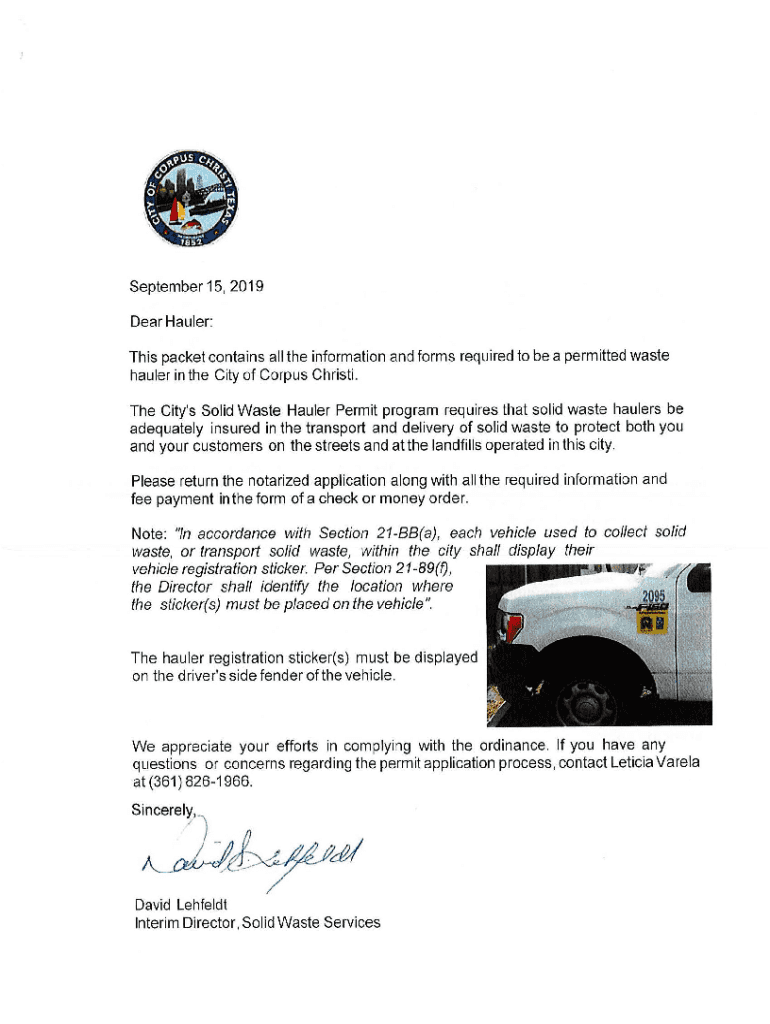
How to use or fill out New Hauler Application - Corpus Christi, Texas with DocHub

- Click ‘Get Form’ to open the New Hauler Application in our editor.
- Begin by entering your personal information in the Applicant Name section. Ensure you provide both your first and last name accurately.
- Fill in your Business Name and Physical Address. This includes the street name, city, state, and zip code. Double-check for any typos to avoid processing delays.
- Provide your Business Phone Number and Email Address if available. This will help facilitate communication regarding your application.
- Indicate the number of vehicles you plan to operate and describe where these vehicles will be stored when not in use.
- List all vehicles or containers on Attachment I, including details like year, make/model, VIN, and license plate numbers.
- Complete the nature of service rendered and areas of service proposed within Corpus Christi. Be specific to ensure clarity.
- Finally, ensure that the application is notarized before submission along with required documents such as insurance copies and payment.
Start filling out your New Hauler Application today using our platform for free!
It's free
See more New Hauler Application - Corpus Christi, Texas versions
Got questions?
How can I create an electronic signature in my New Hauler Application - Corpus Christi, Texas on Android?
Approving documents on a mobile device is fast, easy, and doesn’t require software installation when you have an account with DocHub. Sign in from any browser, complete your blank fields with your data, and click on Sign → Create your signature. You can draw your eSignature just as you usually do on paper, add its image to your New Hauler Application - Corpus Christi, Texas, or type in your name and stylize its look. No matter what option you choose, your document will be valid.
How to complete and sign New Hauler Application - Corpus Christi, Texas online?
You may quickly fill out, modify, and even eSign your New Hauler Application - Corpus Christi, Texas utilizing DocHub. Create a new account and start your free trial. After that, you may add the file with the form and easily make all the required edits. No need to print on paper or use a third-party application to sign it, as you can place your electronic signature on your document faster via DocHub.
Security and compliance
At DocHub, your data security is our priority. We follow HIPAA, SOC2, GDPR, and other standards, so you can work on your documents with confidence.
Learn more




