



01. Edit your notice of commencement online
Type text, add images, blackout confidential details, add comments, highlights and more.

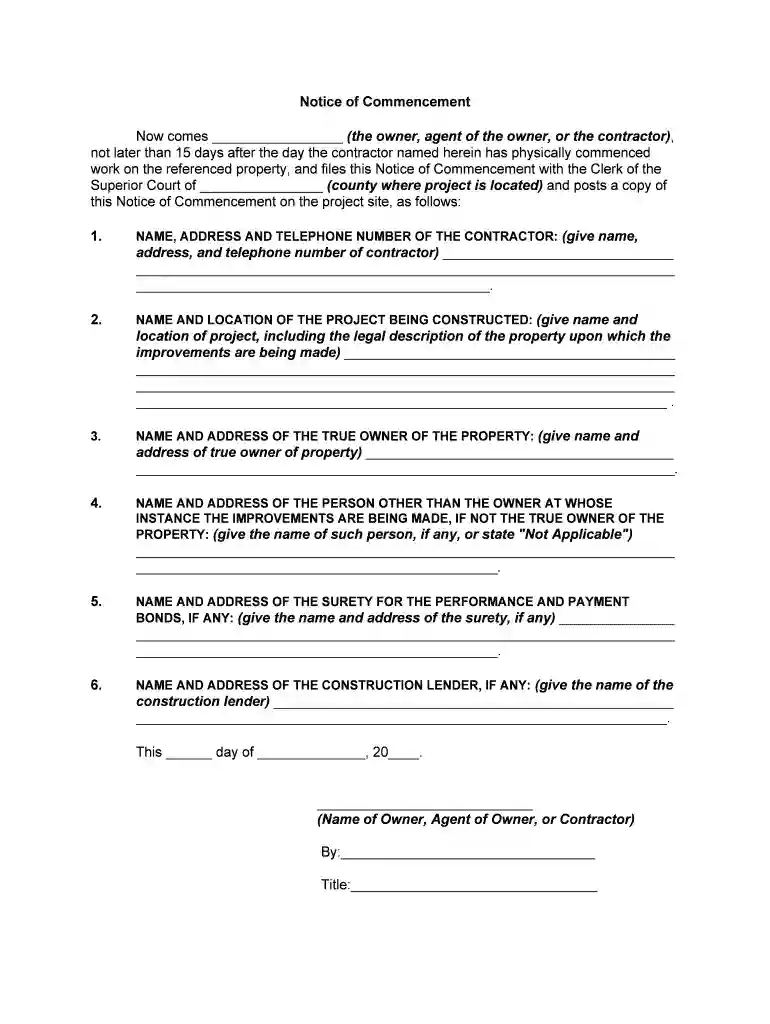
Type text, add images, blackout confidential details, add comments, highlights and more.

Draw your signature, type it, upload its image, or use your mobile device as a signature pad.

Send it via email, link, or fax. You can also download it, export it or print it out.

Start using our platform today to fill out your Georgia Notice quickly and for free!
We've got more versions of the notice of commencement form. Select the right notice of commencement version from the list and start editing it straight away!
| Versions | Form popularity | Fillable & printable |
|---|---|---|
| 2020 | 4.5 Satisfied (47 Votes) |
Approving documents on a mobile device is fast, straightforward, and doesn’t require software installation if you have an account with DocHub. Sign in from any browser, complete your blank fields with your information, and click on Sign → Create your signature. You can draw your electronic signature just as you usually do on paper, add its picture to your georgia notice, or type in your name and stylize its look. No matter what option you select, your documentation will be valid.
Document editing with DocHub is equally convenient on desktop and mobile devices. You just need an internet browser to edit your georgia notice on Android. Open our website and sign in to access the instruments you need. Add your document and introduce your intended modifications. After that, you can keep your form in your document storage or send it out instantly.
At DocHub, your data security is our priority. We follow HIPAA, SOC2, GDPR, and other standards, so you can work on your documents with confidence.
Top-Accessed Services: SNAP Benefits, Driving and Vehicles, Taxes and Refunds, Register a Business, Birth and Death Certificates, Find an Offender.Read more
Beginning on July 1, 2024, the Office of Health Planning will accept requests for letters of determination for the new exemptions. A request for a letter ofRead more


