
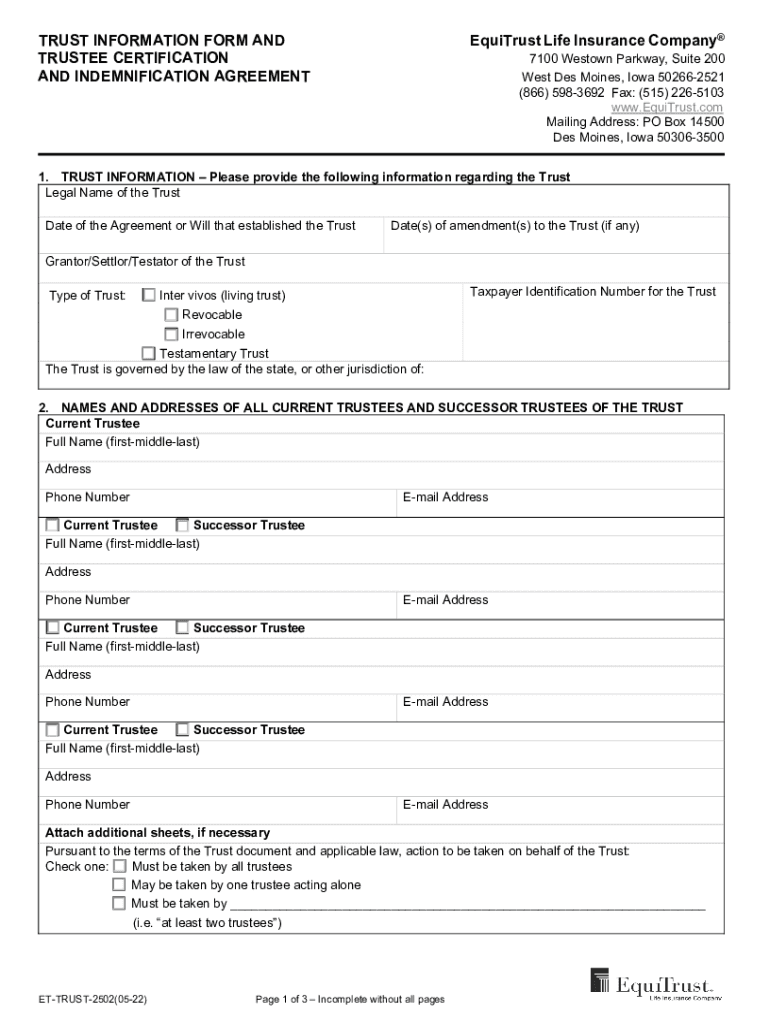







Definition and Meaning of "Form Online"
The term "form online" refers to the digital representation of traditional paper forms that are accessible and manageable through the internet. Online forms facilitate various processes such as data collection, applications, surveys, and feedback gathering. They eliminate the need for physical documentation by enabling users to complete, submit, and often store forms electronically. This concept is instrumental in improving accessibility and efficiency across multiple sectors, from government services to private enterprises.
Online forms can range from simple contact forms on websites to complex, multi-page applications for services such as healthcare, education, and financial assistance. They often include interactive elements like drop-down menus, checkboxes, and file upload options to guide users through the necessary input accurately. These forms are accessible via multiple devices, including desktop computers, tablets, and smartphones, ensuring that users have the flexibility to engage with forms at their convenience.
Step-by-Step Instructions to Complete the Form Online
-
Access the Form: Navigate to the website or portal hosting the form. Ensure that you are using a compatible browser for the best performance.
-
Read Instructions: Carefully read any instructions provided at the beginning of the form to understand its purpose and requirements.
-
Fill Out the Form:
- Complete each field accurately. Fields may include text boxes for written responses, drop-down menus for selecting options, and radio buttons for single-choice questions.
- Use the "Tab" key to move efficiently between fields.
-
Attach Necessary Documents: If the form requires additional documentation, use the upload feature to attach files directly from your computer or a cloud storage service.
-
Review Your Information: Before submitting, review all entries to ensure accuracy and completeness. Make any necessary corrections or updates.
-
Submit the Form: Click the "Submit" button to send your completed form for processing. Some forms provide a confirmation page or email once submission is successful.
Benefits of Completing Forms Online
-
Convenience and Accessibility: Forms available online allow users to fill them out anytime, anywhere, reducing the need to visit an office in person.
-
Speed and Efficiency: Digital submissions are generally quicker and more efficient, including faster processing times compared to traditional methods.
-
Cost-Effective: Online forms eliminate the need for printing, mailing, and physical storage, reducing both cost and environmental impact.
-
Better Data Management: Digital forms streamline data collection and organization, providing easier access for users and administrators alike.
Common Users and Applications of Online Forms
Online forms are utilized by a broad range of users and industries. Some typical participants include:
-
Individuals: For tasks such as applying for jobs, renewing licenses, or participating in surveys.
-
Businesses: Often use online forms for customer feedback, employee onboarding, and vendor requests.
-
Educational Institutions: Use forms for admissions, scholarship applications, and course evaluations.
-
Government Agencies: Frequently employ online forms for regulatory applications, tax submissions, and census data collection.


Important Terms Related to Forms Online
-
E-signature: A digital form of a handwritten signature used to validate or approve digital forms.
-
Captcha: A tool used to verify that a form is being filled out by a person, not a bot, typically by requiring a user to enter text from an image.
-
Responsive Design: Ensures that the form is viewable and functional on various devices, including mobile phones and tablets.
Legal Use and Compliance of Online Forms
Online forms must comply with legal standards to ensure authenticity, privacy, and security:
-
Data Protection Laws: Forms collecting personal information should comply with relevant laws such as the GDPR or CCPA for user data protection.
-
Accessibility Standards: Forms should meet accessibility guidelines to ensure they can be used by individuals with disabilities.
-
Legally Binding Signatures: For forms requiring a signature, options like e-signatures are legally recognized and enforceable under laws like the ESIGN Act in the United States.
Examples of Using Forms Online
-
Job Applications: Streamline the hiring process by collecting applicant information and resumes online.
-
Event Registrations: Allows attendees to sign up for events, pay fees, and receive confirmation in one seamless process.
-
Customer Feedback Surveys: Compile customer insights and opinions effectively through online surveys.
State-Specific Rules for Online Forms
Each state may have different regulations and guidelines governing the use of online forms, particularly concerning legal and governmental processes. It's essential to understand and comply with the specific rules regarding data security, document retention, and authentication standards applicable in your state when using online forms. Make sure to review local legal requirements and seek legal advice if uncertain about compliance.




