




01. Edit your sc time online
Type text, add images, blackout confidential details, add comments, highlights and more.

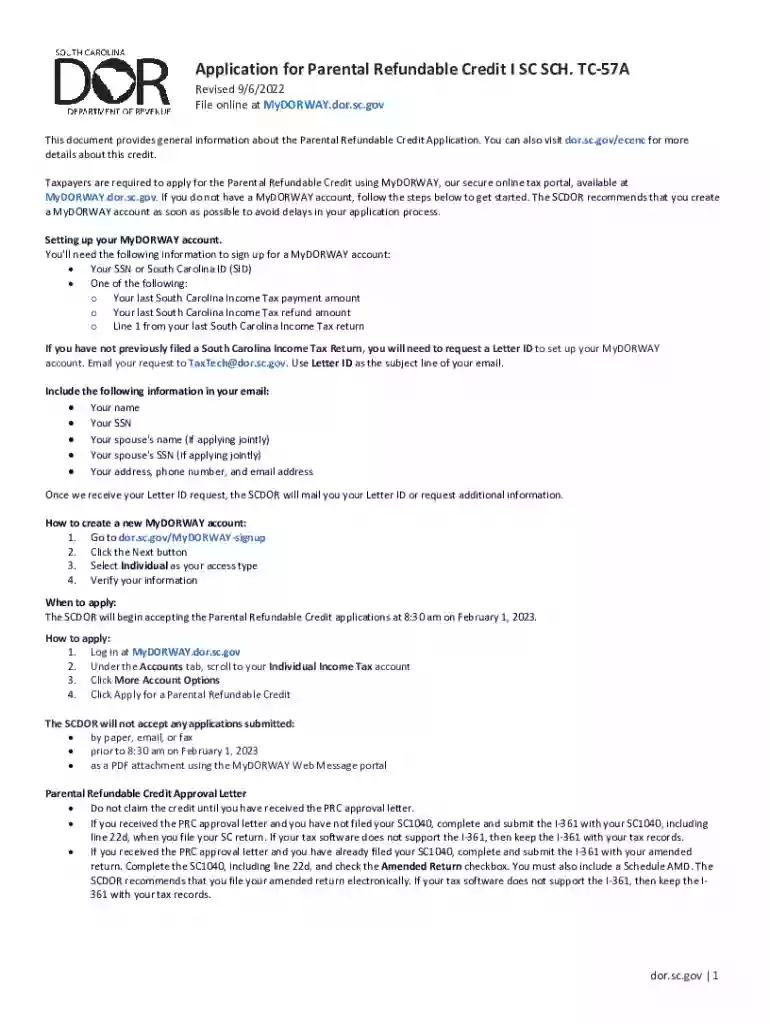
Type text, add images, blackout confidential details, add comments, highlights and more.

Draw your signature, type it, upload its image, or use your mobile device as a signature pad.

Send sc child via email, link, or fax. You can also download it, export it or print it out.

Start using our platform today to streamline your application process for free!
We've got more versions of the sc time form. Select the right sc time version from the list and start editing it straight away!
At DocHub, your data security is our priority. We follow HIPAA, SOC2, GDPR, and other standards, so you can work on your documents with confidence.
Start by choosing the right application for your degree type, then select the application that works best for your situation or specific degree.Read more
We offer careers with a purpose in more than 70 state agencies. There are many jobs where you can achieve personal success.Read more
In applications using multiple SC-OPE devices and configurations, you may have multiple configurations open in the Configuration Editor. Each openRead more


