Cs es51 2026

Get Form
cs es51 Preview on Page 1

Here's how it works

01. Edit your form online
Type text, add images, blackout confidential details, add comments, highlights and more.

02. Sign it in a few clicks
Draw your signature, type it, upload its image, or use your mobile device as a signature pad.

03. Share your form with others
Send it via email, link, or fax. You can also download it, export it or print it out.

How to use or fill out cs es51 with our platform

Form edit decoration
9.5
Ease of Setup
DocHub User Ratings on G2
9.0
Ease of Use
DocHub User Ratings on G2
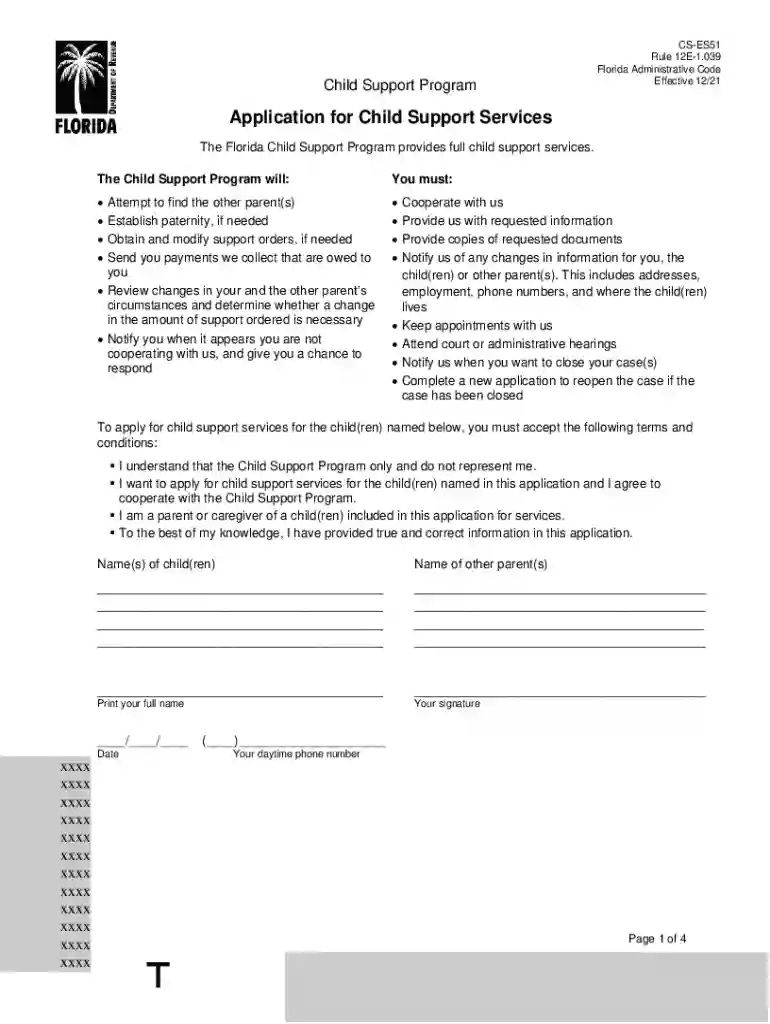
  1. Click ‘Get Form’ to open the cs es51 application in the editor.
  2. Begin by entering the names of the child(ren) and other parent(s) in the designated fields. Ensure accuracy as this information is crucial for processing your application.
  3. Fill out your personal information, including your full name, contact details, and social security number. If you have concerns about safety, indicate this in the provided section.
  4. Complete the 'Other Parent Information' section by providing details about the other parent(s), including their contact information and relationship to the child(ren).
  5. In the 'Child Information' section, provide each child's details such as name, date of birth, and any existing support orders. Be thorough to avoid delays.
  6. Review all entered information for accuracy before submitting. Use our platform's editing tools to make any necessary adjustments easily.

Start filling out your cs es51 form today for free using our platform!

See more cs es51 versions

We've got more versions of the cs es51 form. Select the right cs es51 version from the list and start editing it straight away!
Versions Form popularity Fillable & printable
2021 4.7 Satisfied (58 Votes)
2007 4.9 Satisfied (485 Votes)
be ready to get more

Complete this form in 5 minutes or less

Get form

Got questions?

We have answers to the most popular questions from our customers. If you can't find an answer to your question, please contact us.
Contact us
Florida law mandates that every child support order explicitly state when child support begins and ends. The default termination date for a child support order is the childs eighteenth birthday.
If a parent who owes support is found in contempt of court for willful non-payment of child support, the parent may be incarcerated until payment is made as ordered, but only if the court makes a specific finding that the parent has the present ability to pay a specific dollar amount.
19 years old is the maximum age for a child in Florida for parents to continue receiving child support (except in rare instances read below). If a child graduates from high school after 18, but before 19, child support ends on the day of graduation.
Posted by DeWitt Law Firm, P.A. In the sunny state of Florida, the law typically expects parents to support their children financially until they reach the age of 18.

Security and compliance

At DocHub, your data security is our priority. We follow HIPAA, SOC2, GDPR, and other standards, so you can work on your documents with confidence.

Learn more
ccpa2
pci-dss
gdpr-compliance
hipaa
soc-compliance