




01. Edit your edenpress online
Type text, add images, blackout confidential details, add comments, highlights and more.

Type text, add images, blackout confidential details, add comments, highlights and more.

Draw your signature, type it, upload its image, or use your mobile device as a signature pad.

Send eden press privacy catalog via email, link, or fax. You can also download it, export it or print it out.
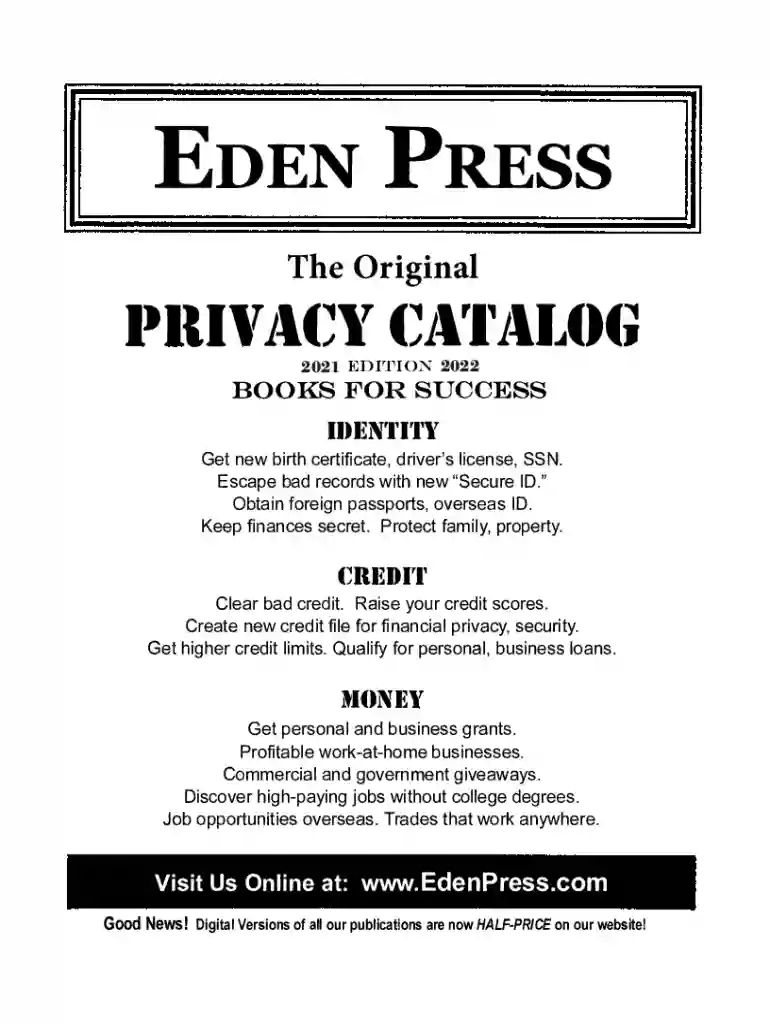
Eden Press is a suite of resources and publications aimed at individuals seeking financial success, personal freedom, and privacy. The platform offers guides that cover various topics, including obtaining new identification documents, improving credit scores, starting home-based businesses, and acquiring passports. It provides a strategic blueprint for people looking to enhance their financial independence and security through practical advice and information.
Eden Press resources are designed for seamless integration into personal and professional strategies for enhancing privacy and financial growth.
Eden Press appeals to a broad audience, including individuals and businesses looking to augment their financial acumen and maintain personal privacy.
Using Eden Press guides is entirely legal and designed to help users operate within the bounds of the law.
Understanding key terms is essential for maximizing the benefits of Eden Press resources.
While Eden Press offers broad guidance, some aspects may vary by state due to differing local laws and regulations.
Implementing an Eden Press guide effectively involves a clear understanding of the process from start to finish.
Real-world scenarios illustrate how Eden Press guides can be effectively utilized for various purposes.
By exploring these comprehensive blocks, readers can gain a clear understanding of Eden Press and how its resources can be leveraged for personal and professional growth while adhering to legal standards.
We've got more versions of the edenpress form. Select the right edenpress version from the list and start editing it straight away!
Of course, it is possible with DocHub. This trustworthy and compliant online service features a phone-based signing option. After you log in to your DocHub account and import your eden press catalog to our editor, fill out all empty areas and use the Sign tool on the top barf. Click on Create your signature and choose Phone from the available choices. Here, you scan a QR code with your smartphone and draw your signature on your phone screen, as you usually do when signing hard copies. If you access DocHub right from your mobile device, you can eSign your form by drawing your electronic signature, uploading its photo, or simply with a typed name.
You can complete and eSign your eden press on the internet, even on a tight deadline. All you need to access high quality editing instruments on any device is a DocHub account, which you can sign up within a few moments. When you register, add your file or find what you are looking for in our catalog, complete it utilizing the editing instruments you want, and put your electronic signature on it at the end.
At DocHub, your data security is our priority. We follow HIPAA, SOC2, GDPR, and other standards, so you can work on your documents with confidence.


