




01. Edit your pa homeschool diploma online
Type text, add images, blackout confidential details, add comments, highlights and more.

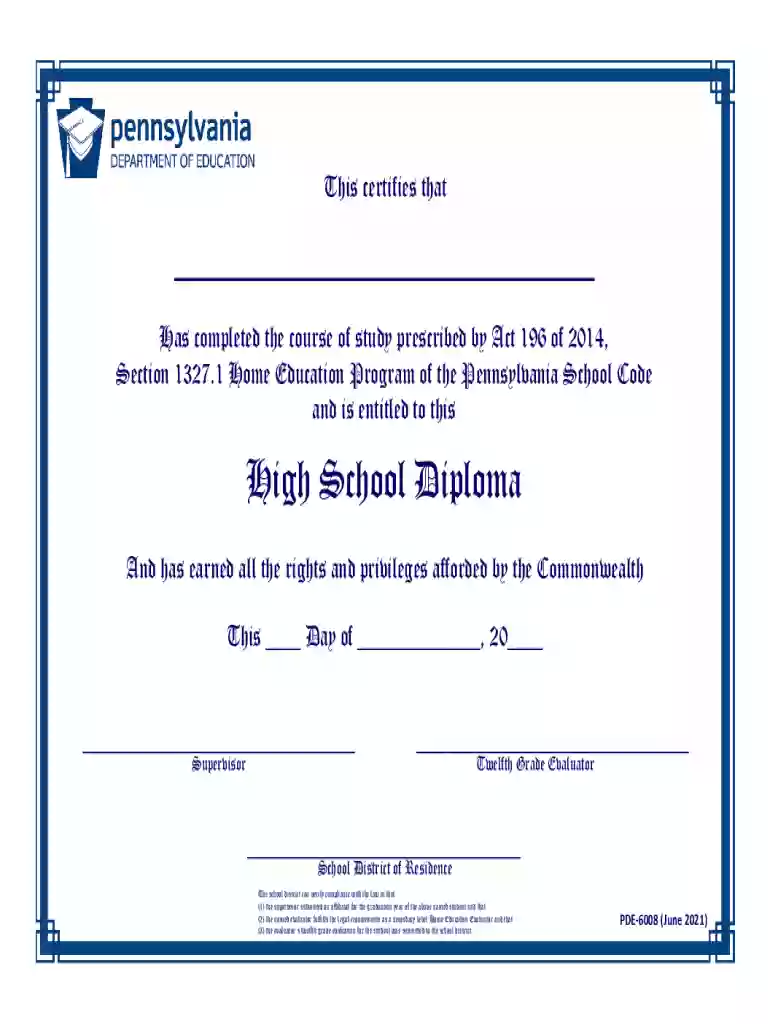
Type text, add images, blackout confidential details, add comments, highlights and more.

Draw your signature, type it, upload its image, or use your mobile device as a signature pad.

Send diploma pa via email, link, or fax. You can also download it, export it or print it out.

Start using our platform today to easily complete your pa diploma online for free!
We've got more versions of the pa homeschool diploma form. Select the right pa homeschool diploma version from the list and start editing it straight away!
At DocHub, your data security is our priority. We follow HIPAA, SOC2, GDPR, and other standards, so you can work on your documents with confidence.
All Pennsylvania high school equivalency diplomas and transcripts for the GED test, the HiSET exam, and the 30 College Credit Option are handled byRead more
Pennsylvania students and adults now have the opportunity to get a fully online high school diploma through the US Career Institutes program.Read more
El proceso de trasladarse de una escuela a otra para completar un ttulo o diploma. Los estudiantes traslados tienen muchos recursos para ayudarlos a adaptarse


