




01. Edit your missouri form license plate online
Type text, add images, blackout confidential details, add comments, highlights and more.

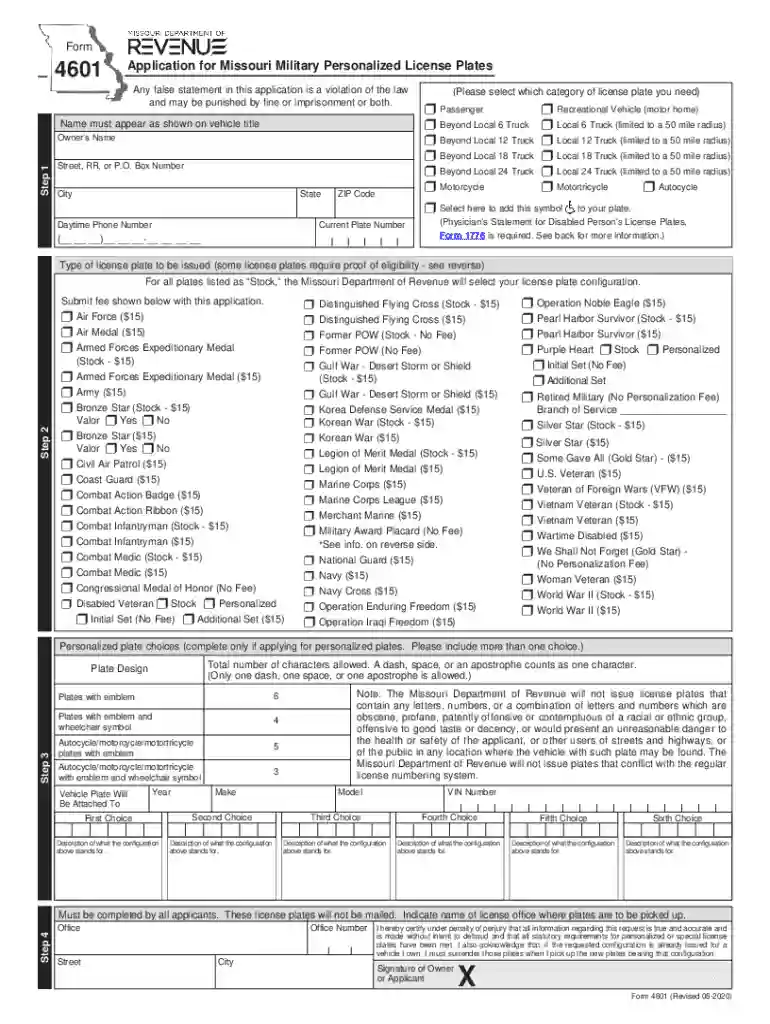
Type text, add images, blackout confidential details, add comments, highlights and more.

Draw your signature, type it, upload its image, or use your mobile device as a signature pad.

Send missouri form license via email, link, or fax. You can also download it, export it or print it out.

Start using our platform today for free to streamline your document editing and form completion!
We've got more versions of the missouri form license plate form. Select the right missouri form license plate version from the list and start editing it straight away!
At DocHub, your data security is our priority. We follow HIPAA, SOC2, GDPR, and other standards, so you can work on your documents with confidence.
Missouri Personalized and Special License Plates. Personalized ($15) (Can be. Regular personalized license plates may consist of no more than six characters
Personalized plates allow you to select a configuration of up to 6 characters (depending on the type of plate and vehicle) to appear on your plate.Read more
GYE helps individuals master their shmiras einayim and build healthy digital habits with cutting-edge tools, support, and guidance.


