




01. Edit your form online
Type text, add images, blackout confidential details, add comments, highlights and more.

Type text, add images, blackout confidential details, add comments, highlights and more.

Draw your signature, type it, upload its image, or use your mobile device as a signature pad.

Send it via email, link, or fax. You can also download it, export it or print it out.

Start using our platform today to streamline your Texas Barber Dual Shop License application process for free!
We've got more versions of the texas barberdual shop license form. Select the right texas barberdual shop license version from the list and start editing it straight away!
At DocHub, your data security is our priority. We follow HIPAA, SOC2, GDPR, and other standards, so you can work on your documents with confidence.
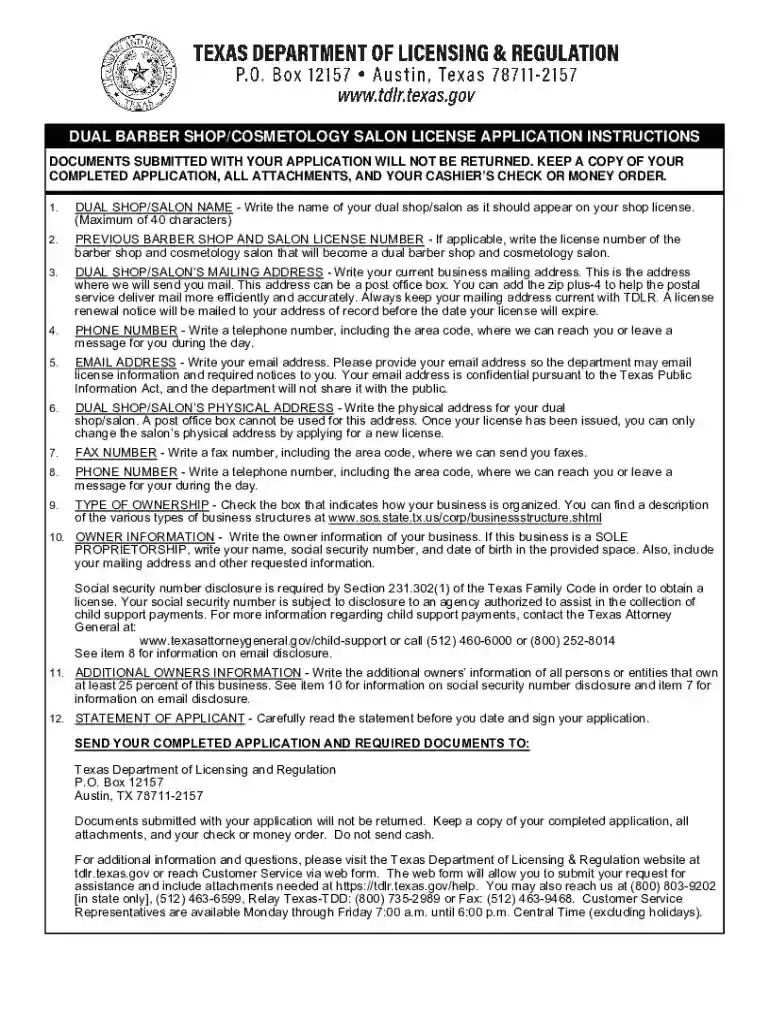
Jul 19, 2019 In order to qualify as a dual license shop, you must hold two or more licenses and send in the proper application through the Texas DepartmentRead more
by TH Wiedemeier Cited by 364 This report is a work prepared for the United States Air Force Center for Environmental Excellence. (AFCEE) - Technology Transfer DivisionRead more
To apply for a license, submit a completed application form along with the non-refundable fee. You must provide detailed information of all business owners.Read more


