




01. Edit your maryland universal disability pass online
Type text, add images, blackout confidential details, add comments, highlights and more.

Type text, add images, blackout confidential details, add comments, highlights and more.

Draw your signature, type it, upload its image, or use your mobile device as a signature pad.

Send universal disability pass maryland via email, link, or fax. You can also download it, export it or print it out.

Start filling out your md disability pass today for free with our easy-to-use editor!
We've got more versions of the maryland universal disability pass form. Select the right maryland universal disability pass version from the list and start editing it straight away!
At DocHub, your data security is our priority. We follow HIPAA, SOC2, GDPR, and other standards, so you can work on your documents with confidence.
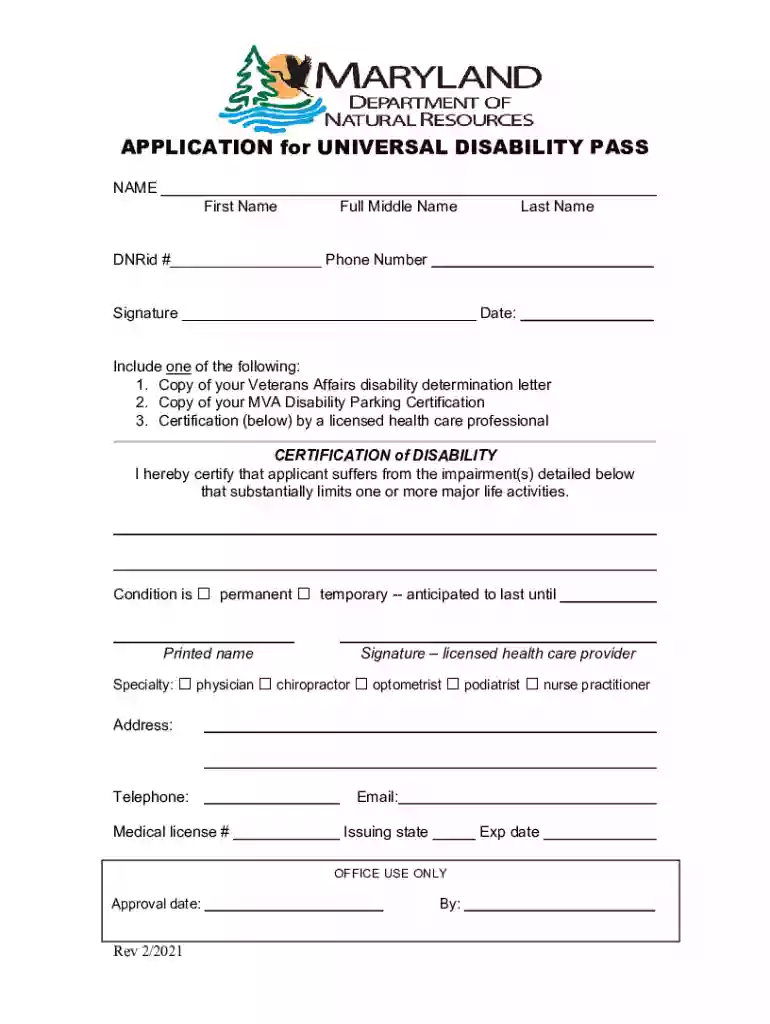
The Universal Disability Pass permits the holder and one other person free entrance to day-use facilities at Maryland State Parks and Forests.
To be issued a Universal Disability Pass a person shall: (1) Submit a completed Department application to the DNR Licensing and Registration Services
What if a preschool aged child has a disability? Local school systems in Maryland offer a range of services for young children with disabilities. Since services


