




Here's how it works

01. Edit your dochub com fillable form online
Type text, add images, blackout confidential details, add comments, highlights and more.

02. Sign it in a few clicks
Draw your signature, type it, upload its image, or use your mobile device as a signature pad.

03. Share your form with others
Send insurance complaint form via email, link, or fax. You can also download it, export it or print it out.
How to use or fill out complaint michigan determination with our platform

- Click ‘Get Form’ to open the complaint michigan determination in the editor.
- Begin by entering your personal information, including your name, address, and contact details. Ensure accuracy for effective communication.
- Specify the name of the health insurer or agent involved in your dispute. Include policy and claim numbers for clarity.
- Select the type of coverage related to your complaint from the provided options, such as Health Insurance, HMO, or Medicare.
- Detail the reason for your complaint by checking all applicable boxes. Provide a chronological list of events that led to this issue.
- Attach any relevant documentation that supports your complaint. Remember to send copies only; do not submit original documents.
- Review all entered information for completeness and accuracy before submitting your form via mail, fax, or email as indicated.
Start using our platform today to streamline your complaint process effortlessly!
Fill out complaint michigan determination online
It's free
It's free
See more complaint michigan determination versions
We've got more versions of the complaint michigan determination form. Select the right complaint michigan determination version from the list and start editing it straight away!
Security and compliance
At DocHub, your data security is our priority. We follow HIPAA, SOC2, GDPR, and other standards, so you can work on your documents with confidence.
Learn more


Related forms
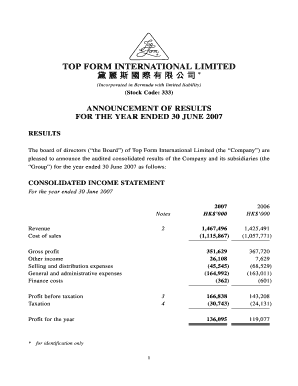
Announcement of Result for the Year Ended 30 June 2007 - Top Form
The document is an announcement of the audited consolidated results for Top Form International Limited for the year ende ...
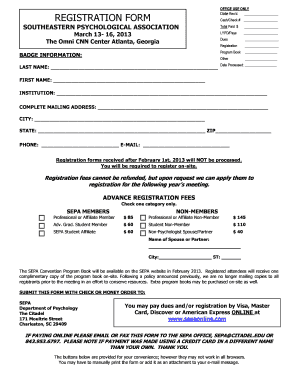
REGISTRATION FORM
The document is a registration form for the Southeastern Psychological Association (SEPA) convention taking place from M ...

The design intent of the building enclosure is to provide exterior floor, wall, and
The document outlines the requirements and processes for Building Enclosure Commissioning (BECx) aimed at ensuring that ...
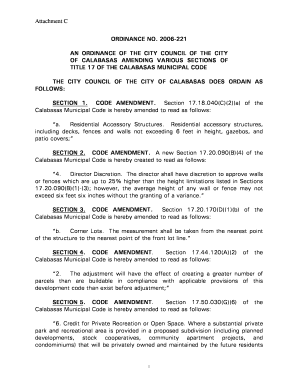
Attachment C ORDINANCE NO b2006b-221 AN bb - City of Calabasas
The document is an ordinance from the City Council of Calabasas amending various sections of the Calabasas Municipal Cod ...
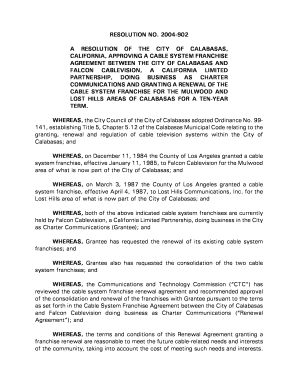
CALIFORNIA, APPROVING A CABLE SYSTEM FRANCHISE
Resolution No. 2004-902 approves a cable system franchise agreement between the City of Calabasas and Falcon Cablevision ...

APPLICATION FOR GRADING AND EROSION CONTROL PERMIT
The document is an application form for a Grading and Erosion Control Permit from the Town of Brookfield, Wisconsin. It ...
Commercial Energy Code Compliance Options-ASHRAE - NCDOI
The minutes from the North Carolina Home Inspector Licensure Board meeting held on July 13, 2012, detail discussions on ...

LEARNING THE LABEL
The document provides an overview of how to understand nutrition labels, specifically focusing on the % Daily Value (%DV ...