




01. Edit your 10 2649a online
Type text, add images, blackout confidential details, add comments, highlights and more.

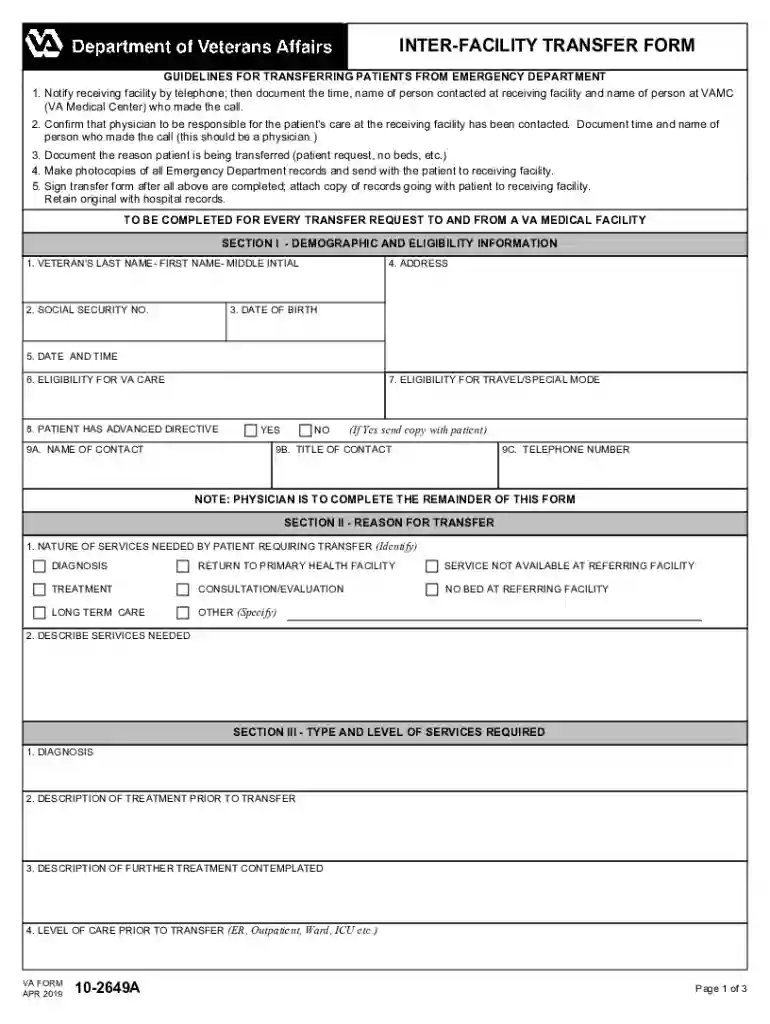
Type text, add images, blackout confidential details, add comments, highlights and more.

Draw your signature, type it, upload its image, or use your mobile device as a signature pad.

Send va 10 2649a via email, link, or fax. You can also download it, export it or print it out.

Start using our platform today to streamline your document editing and form completion process for free!
We've got more versions of the 10 2649a form. Select the right 10 2649a version from the list and start editing it straight away!
At DocHub, your data security is our priority. We follow HIPAA, SOC2, GDPR, and other standards, so you can work on your documents with confidence.
Apr 30, 2025 Youll need to apply on their behalf using a PDF version of the Application for Family Member to Use Transferred Benefits (VA Form 22-1990e).Read more
Transfer of the equipments to the manual bypass enables UPS maintenance without interrupting the supply of power to the connected equipments. Normal AC source.Read more
Through Virginias guaranteed transfer agreements, students can transfer community college credit hours to the Virginia university of their choice.


