




01. Edit your automotive repair dealer registration online
Type text, add images, blackout confidential details, add comments, highlights and more.

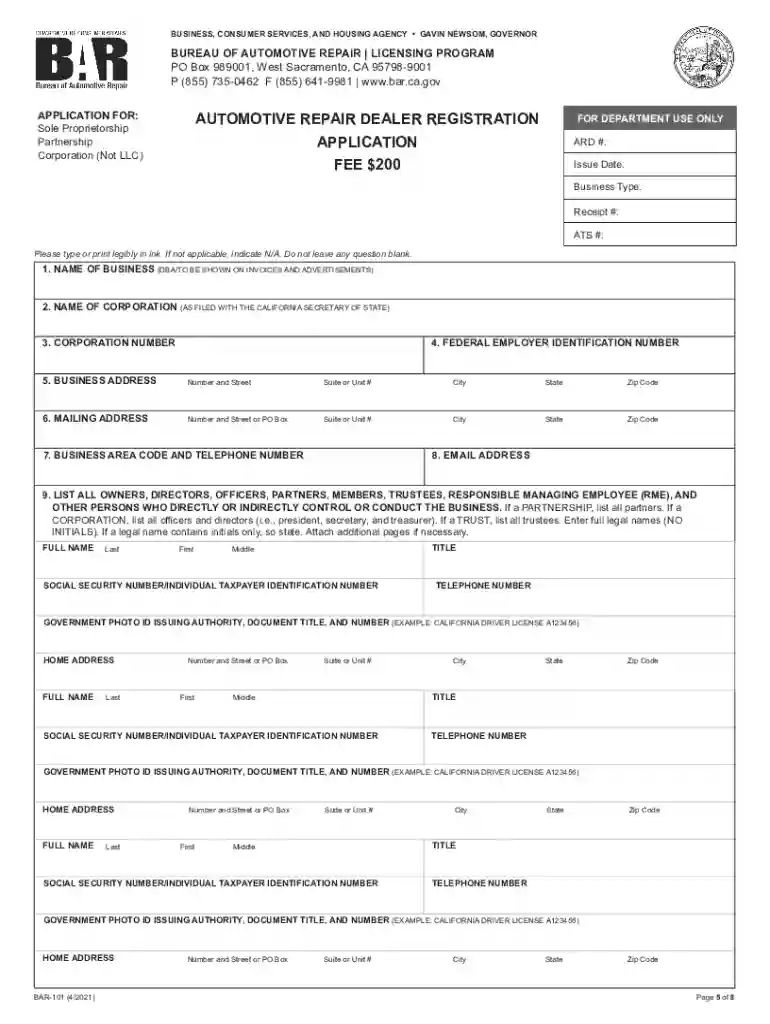
Type text, add images, blackout confidential details, add comments, highlights and more.

Draw your signature, type it, upload its image, or use your mobile device as a signature pad.

Send automotive repair dealer registration application via email, link, or fax. You can also download it, export it or print it out.

Start using our platform today to streamline your automotive repair dealer registration process for free!
We've got more versions of the automotive repair dealer registration form. Select the right automotive repair dealer registration version from the list and start editing it straight away!
At DocHub, your data security is our priority. We follow HIPAA, SOC2, GDPR, and other standards, so you can work on your documents with confidence.
by J Lindemuth 1988 Bureau of Automotive Repair (BAR) registers automotive repair facilities; off- icial smog, brake and lamp stations; and official installers/Read more
Any person or entity (applicant) seeking Bureau registration as an automotive repair dealer shall submit a completed application that includes all of theRead more
an authorized Honda dealer will perform the required repairs free of charge. The warranties in this booklet cover only Hondas purchased and registered in the


