




01. Edit your 5476 f online
Type text, add images, blackout confidential details, add comments, highlights and more.

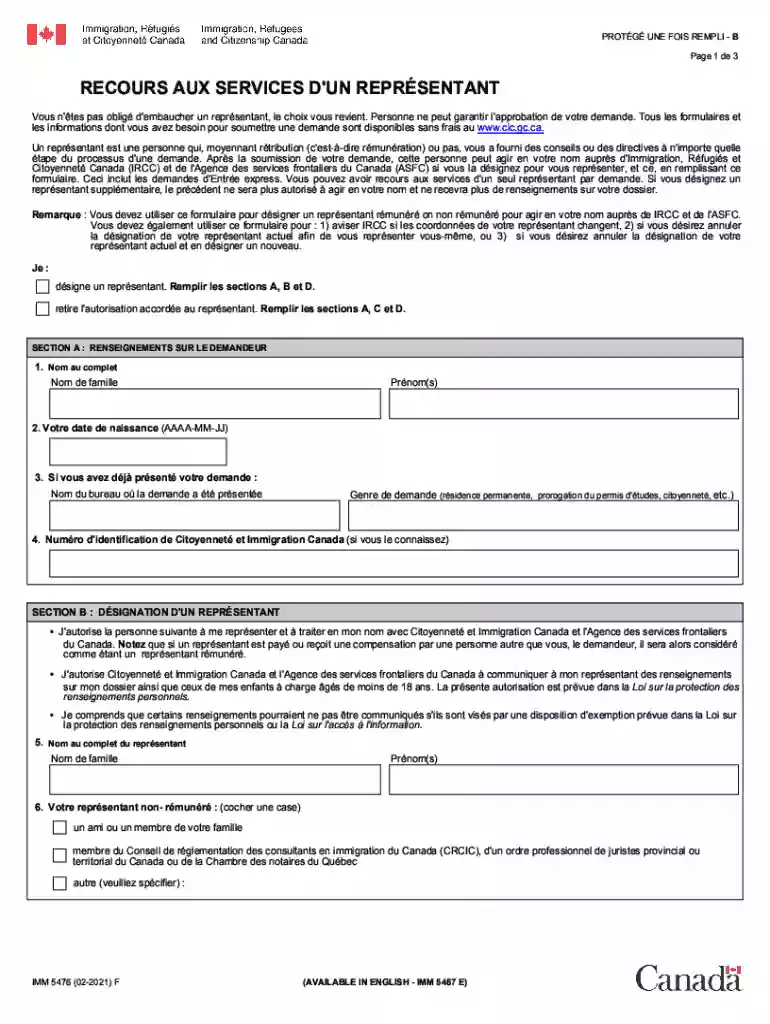
Type text, add images, blackout confidential details, add comments, highlights and more.

Draw your signature, type it, upload its image, or use your mobile device as a signature pad.

Send canada recours via email, link, or fax. You can also download it, export it or print it out.

Start using our platform today for free and streamline your canada recours submission!
We've got more versions of the 5476 f form. Select the right 5476 f version from the list and start editing it straight away!
At DocHub, your data security is our priority. We follow HIPAA, SOC2, GDPR, and other standards, so you can work on your documents with confidence.
by BS Leclerc 2003 Cited by 1 Recommandations de recours une autre ressource en sant faites par les infirmires du service Info-Sant CLSC. Convergence entre les dclarations desRead more
The Canadian class action review = La revue canadienne des recours collectifs. Toronto : Irwin Law 2004-. The Canadian class action


