




01. Edit your imm1283 online
Type text, add images, blackout confidential details, add comments, highlights and more.

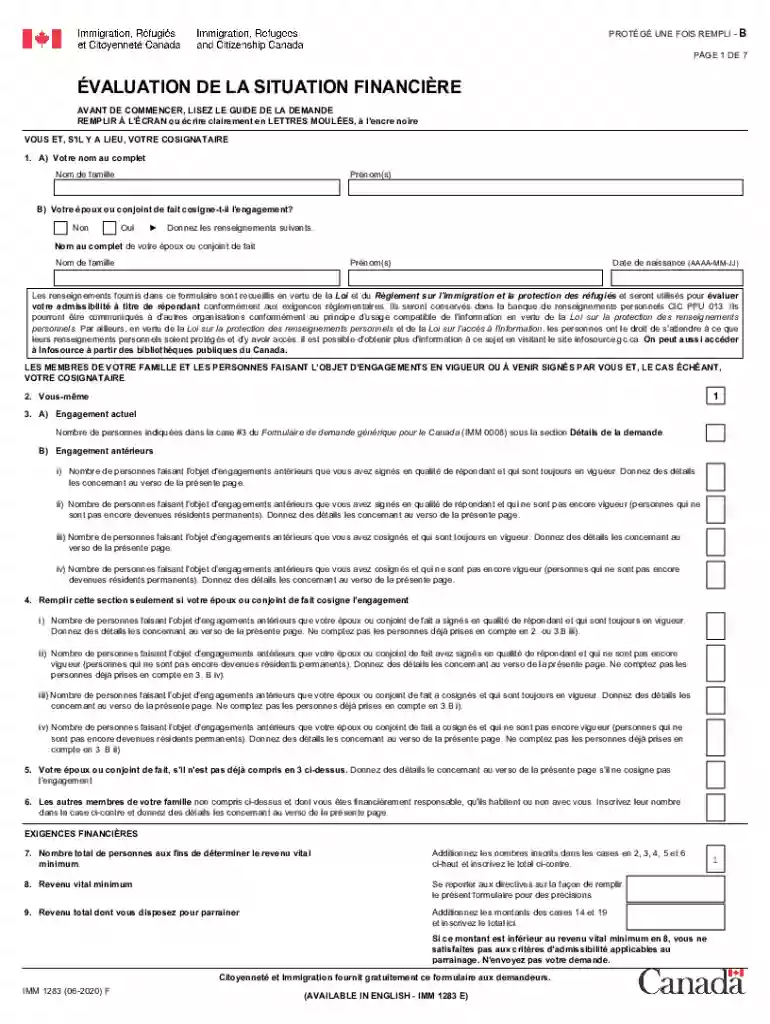
Type text, add images, blackout confidential details, add comments, highlights and more.

Draw your signature, type it, upload its image, or use your mobile device as a signature pad.

Send imm1283e via email, link, or fax. You can also download it, export it or print it out.

Start filling out your imm1283 today for free using our editor!
We've got more versions of the imm1283 form. Select the right imm1283 version from the list and start editing it straight away!
With DocHub, you can rapidly sign your financial evaluation form imm 1283 or any other document on iOS, even without setting up additional programs. You can access your DocHub account from any internet-connected browser and fill out and sign your form in any preferred method with just a few clicks.
If you want to edit your imm 1283 online easily, it does not matter what browser you use. DocHub’s simple editing instruments are available using any internet browser. Simply open the appropriate tab in the editor, add your document, and fill it out without stress.
At DocHub, your data security is our priority. We follow HIPAA, SOC2, GDPR, and other standards, so you can work on your documents with confidence.
IMM 1283 - Industrial Maintenance Electrical Instrumentation Level 1, Part 2. 3. (Prerequisites: IMM 1113 or CTE 1143 ) This course includes construction
IMM-1283 Novel Coronavirus Alert. Tell staff NOW and put on a mask. IMM-1283 (2/6/20) California Department of Public Health, Immunization Branch
This document has been reviewed in accordance with U.S. Environmental Protection Agency policy and approved for publication and distribution.Read more


