




01. Edit your maryland bulk transfer online
Type text, add images, blackout confidential details, add comments, highlights and more.

Type text, add images, blackout confidential details, add comments, highlights and more.

Draw your signature, type it, upload its image, or use your mobile device as a signature pad.

Send bulk transfer permit via email, link, or fax. You can also download it, export it or print it out.

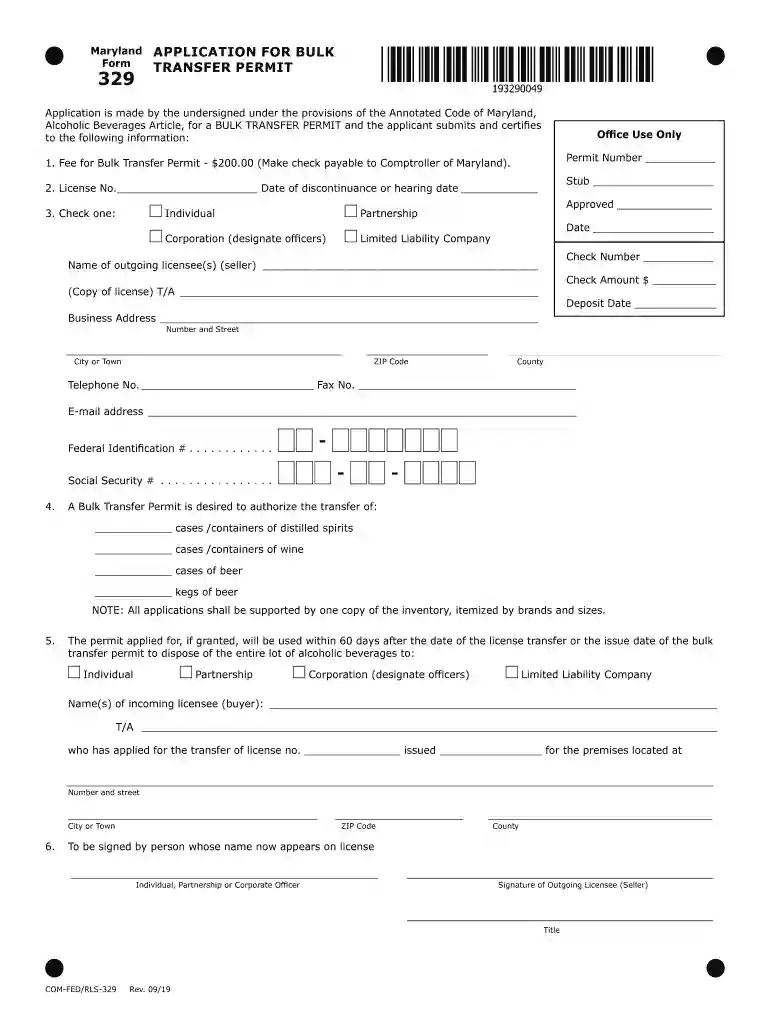
Start filling out your Maryland 329 Permit today using our platform for free!
We've got more versions of the maryland bulk transfer form. Select the right maryland bulk transfer version from the list and start editing it straight away!
At DocHub, your data security is our priority. We follow HIPAA, SOC2, GDPR, and other standards, so you can work on your documents with confidence.
Must obtain a CDL Class B learners permit from the state where currently licensed. Courses Offered. CDL-329 Entry-Level Driver Training Theory; CDL-330Read more
Nov 19, 2024 329. 2011 Physicians Desk Reference (ed 65). Montvale, NJ: PDR. Network, LLC; 2010. 330. DSM-5, Diagnostic and statistical manual of mentalRead more
1. Fee for Bulk Transfer Permit - $200.00 (Make check payable to Maryland Alcohol, Tobacco, and Cannabis Commission). 2. License NoRead more


