




Here's how it works

01. Edit your form online
Type text, add images, blackout confidential details, add comments, highlights and more.

02. Sign it in a few clicks
Draw your signature, type it, upload its image, or use your mobile device as a signature pad.

03. Share your form with others
Send it via email, link, or fax. You can also download it, export it or print it out.
How to use or fill out 2018 NY Storing Vaccine in a Stand-Alone Refrigerator Unit with our platform

- Click ‘Get Form’ to open the 2018 NY Storing Vaccine in a Stand-Alone Refrigerator Unit document in the editor.
- Begin by reviewing the introductory section, which outlines the purpose of the form. This will help you understand the importance of proper vaccine storage.
- Proceed to fill out the fields related to your facility information, including name, address, and contact details. Ensure accuracy for effective communication.
- Next, complete the sections regarding refrigerator specifications. Input details such as model number and temperature settings to ensure compliance with storage guidelines.
- Finally, review all entered information for completeness and accuracy before saving or exporting your completed form. Utilize our platform’s features for easy modifications if needed.
Start using our platform today to effortlessly complete your forms online for free!
Fill out 2018 NY Storing Vaccine in a Stand-Alone Refrigerator Unit online
It's free
It's free
See more 2018 NY Storing Vaccine in a Stand-Alone Refrigerator Unit versions
We've got more versions of the 2018 NY Storing Vaccine in a Stand-Alone Refrigerator Unit form. Select the right 2018 NY Storing Vaccine in a Stand-Alone Refrigerator Unit version from the list and start editing it straight away!
Security and compliance
At DocHub, your data security is our priority. We follow HIPAA, SOC2, GDPR, and other standards, so you can work on your documents with confidence.
Learn more


Related forms
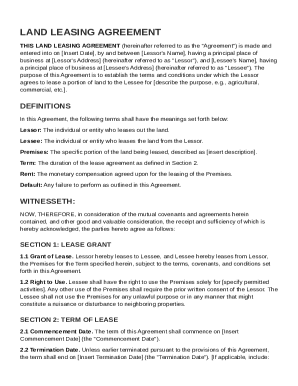
Land Leasing Agreement Template
The document is a Land Leasing Agreement between a Lessor and a Lessee, outlining the terms and conditions for leasing a ...
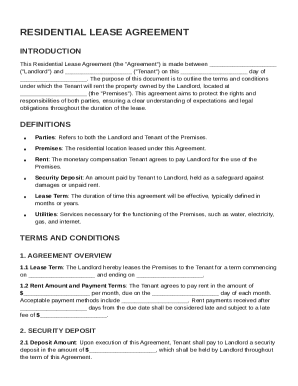
Landlord Agreement Template
The Residential Lease Agreement outlines the terms and conditions for renting a property between a Landlord and Tenant. ...
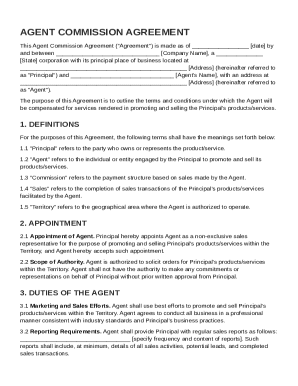
Agent Commission Agreement Template
The Agent Commission Agreement outlines the terms under which an agent is appointed to promote and sell a principal's pr ...
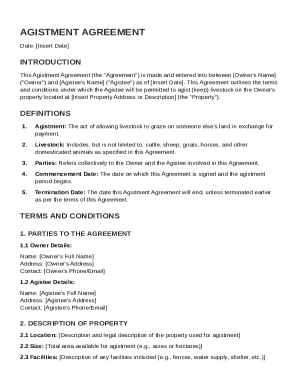
Agistment Agreement Template
The Agistment Agreement outlines the terms and conditions for allowing an Agistee to keep livestock on an Owner's proper ...
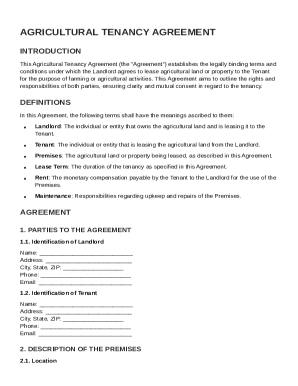
Agricultural Tenancy Agreement Template
The Agricultural Tenancy Agreement outlines the terms and conditions for leasing agricultural land from a Landlord to a ...
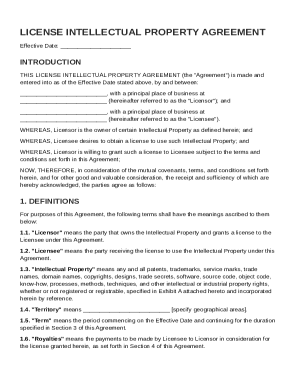
License Intellectual Property Agreement Template
The License Intellectual Property Agreement outlines the terms under which a Licensor grants a Licensee the right to use ...
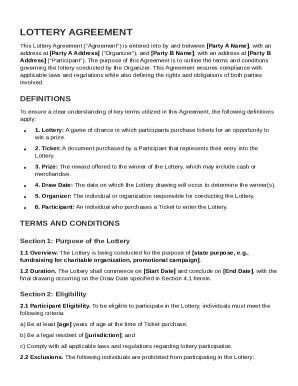
Lottery Agreement Template
The Lottery Agreement outlines the terms and conditions between the Organizer and Participant for a lottery event, inclu ...
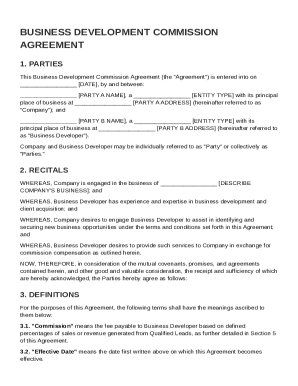
Business Development Commission Agreement Template
The Business Development Commission Agreement outlines the terms between a Company and a Business Developer for identify ...