



01. Edit your montgomery county juvenile court forms online
Type text, add images, blackout confidential details, add comments, highlights and more.

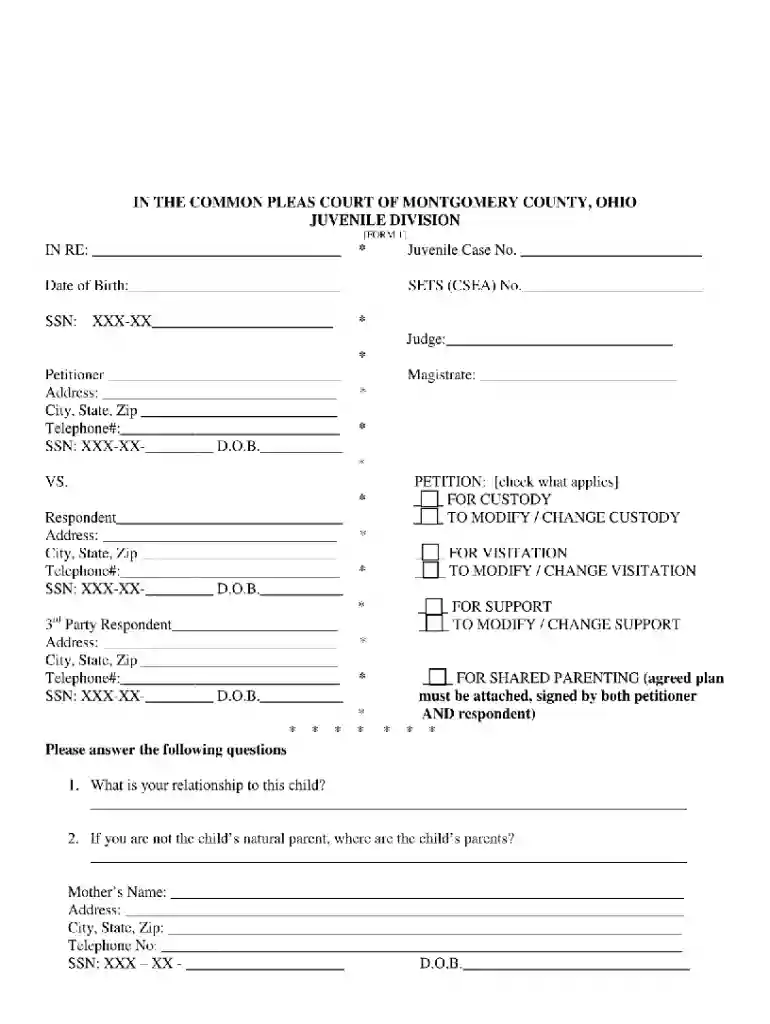
Type text, add images, blackout confidential details, add comments, highlights and more.

Draw your signature, type it, upload its image, or use your mobile device as a signature pad.

Send mcjc via email, link, or fax. You can also download it, export it or print it out.

Start using our platform today for free and streamline your mcjc ohio form completion!
We've got more versions of the montgomery county juvenile court forms form. Select the right montgomery county juvenile court forms version from the list and start editing it straight away!
| Versions | Form popularity | Fillable & printable |
|---|---|---|
| 2017 | 4 Satisfied (33 Votes) |
With DocHub, it’s pretty simple. The editor offers users an add-on called DocHub for Gmail, which you can locate in the Google Workspace Marketplace free of charge. Set it up and give it access to your Google account. Open your email with your mcjc ohio attached and click on the add-on button in the right-side panel. Sign in to your DocHub account, and upload the file to our editor, where you can fill it out and sign.
You can easily edit fill out your montgomery county juvenile court on any iOS gadget. Open an internet browser of your liking, go to the DocHub website, authorize or create a new account, upload your file for editing, and make your desired alterations. Our service is mobile-friendly, so utilizing its features on your smartphone will be a no-brainer, even on the first try.
At DocHub, your data security is our priority. We follow HIPAA, SOC2, GDPR, and other standards, so you can work on your documents with confidence.
MCJC shall enforce penalties and/or sanctions against further visits without refund. Video Visits cannot be scheduled during the pods recreation time. If aRead more
Abstract: This article describes an Ohio program that provides alternatives to detention for youth who have mental health needs or substance abuse issues.Read more


