




01. Edit your form online
Type text, add images, blackout confidential details, add comments, highlights and more.

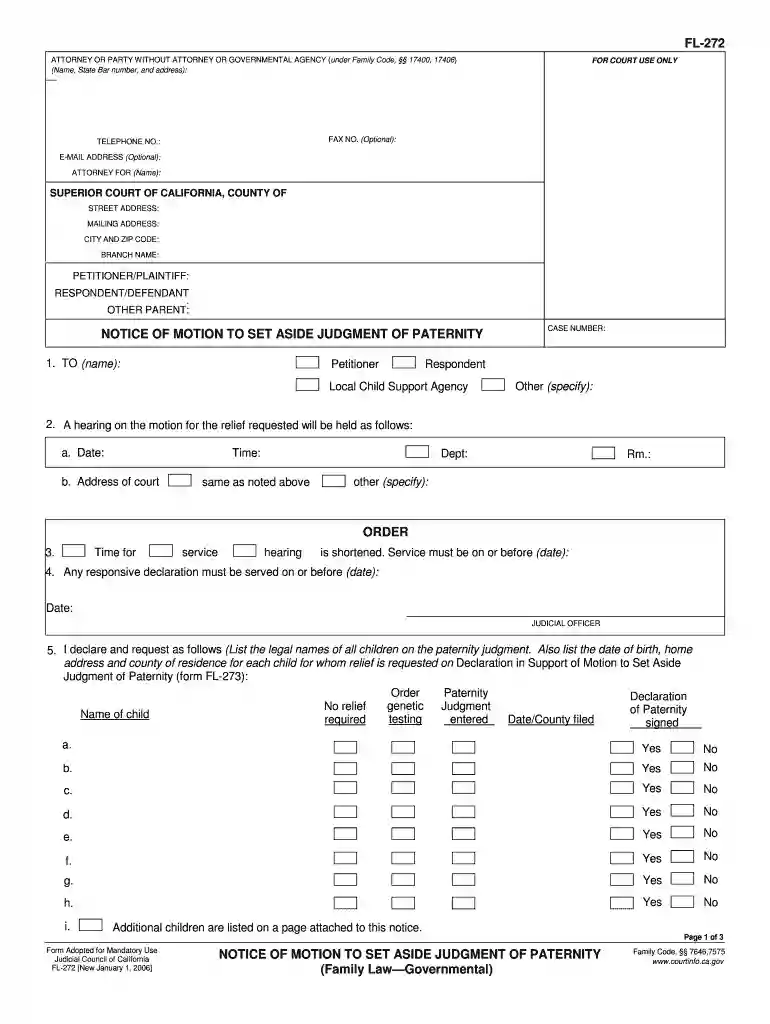
Type text, add images, blackout confidential details, add comments, highlights and more.

Draw your signature, type it, upload its image, or use your mobile device as a signature pad.

Send it via email, link, or fax. You can also download it, export it or print it out.

Start using our platform today to fill out FL-272 easily and efficiently!
We've got more versions of the fl 272 form. Select the right fl 272 version from the list and start editing it straight away!
Electronic document signing requires a software solution that works in compliance with data security and eSignature standards. DocHub is a great tool for that, because it meets all the aforementioned requirements. Whatever method you prefer to sign your fl 272 in DocHub, your electronic signature will be legally binding and court-admissible.
It is a no-brainer on a computer or via a mobile device to complete a fl 272 with DocHub. All you need to do is open any installed browser on your smartphone and go to the DocHub site. Once authenticated, add your file and open it in editing mode. Use our toolbar to make your edits and save changes. Optionally, keep your document in your files or send it to a recipient immediately.
At DocHub, your data security is our priority. We follow HIPAA, SOC2, GDPR, and other standards, so you can work on your documents with confidence.
FL 272 - Intermediate Chinese II (4). Continuation of Intermediate Chinese I. Further development of the four language skills within a cultural context.
by S Bhagwat 2013 Cited by 398 272. Unilever Bestfoods, North America. Summary Flavonoid Content of Teas in the U.S. Market. Unpublished Data, 2002. 273. Usenik, V., tampar, F., andRead more
Jan 1, 2020 I declare under penalty of perjury under the laws of the State of California that the information above is true and correct. NOTICE OF MOTION TORead more


