




Here's how it works

01. Edit your form online
Type text, add images, blackout confidential details, add comments, highlights and more.

02. Sign it in a few clicks
Draw your signature, type it, upload its image, or use your mobile device as a signature pad.

03. Share your form with others
Send it via email, link, or fax. You can also download it, export it or print it out.
How to use or fill out affidavit of affixation missouri with DocHub

- Click ‘Get Form’ to open the affidavit of affixation in our editor.
- Begin by entering the grantor or grantee's name and the date in the designated fields. Ensure accuracy as this information is crucial for identification.
- Fill in the manufactured homeowner's name and provide details about the manufactured home, including its street address, city, state, manufacturer name, serial number, model year, make, and model name.
- Indicate whether the home is new or used by selecting the appropriate option. Then, enter the dimensions of the home.
- Complete the real estate information section by providing a legal description. If more space is needed, attach an exhibit.
- Initial in applicable boxes regarding ownership and consent from lessor if necessary. Ensure all signatures are included where required.
- If surrendering ownership documents like MCO or MSO, provide their details as instructed. If unable to locate them, complete an Application for Confirmation of Conversion.
- Finally, review all entries for accuracy before submitting your completed form to your local license office or mailing it with fees to the Motor Vehicle Bureau.
Start using our platform today to easily fill out your affidavit of affixation for free!
Fill out affidavit of affixation missouri online
It's free
It's free
See more affidavit of affixation missouri versions
We've got more versions of the affidavit of affixation missouri form. Select the right affidavit of affixation missouri version from the list and start editing it straight away!
Security and compliance
At DocHub, your data security is our priority. We follow HIPAA, SOC2, GDPR, and other standards, so you can work on your documents with confidence.
Learn more


Related forms
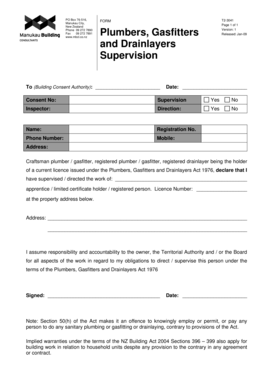
Plumbers, Gasfitters and Drainlayers Supervision - Manukau
The document is a supervision form for plumbers, gasfitters, and drainlayers in New Zealand, intended for use by buildin ...

RENTAL APPLICATION FOR - bvfrcorpbbcomb
The document is a rental application form for Valley Fair Realty Corp, outlining the necessary information and requireme ...
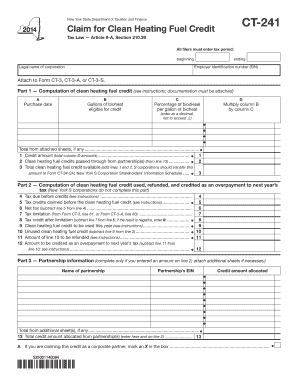
Ct241 2014 form
The document CT-241 is a form from the New York State Department of Taxation and Finance for claiming the Clean Heating ...
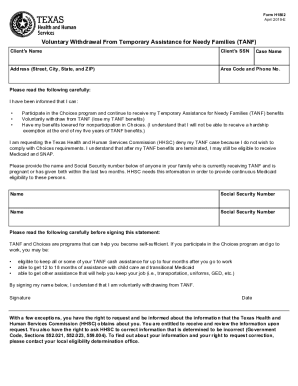
Form H1802, Voluntary Withdrawal from Temporary Assistance
The document is a form (H1802) for clients to voluntarily withdraw from the Temporary Assistance for Needy Families (TAN ...

Tdcj disciplinary rules and procedures for offenders
The document outlines the Disciplinary Rules and Procedures for Offenders established by the Texas Department of Crimina ...

Tdcj disciplinary rules and procedures for offenders
The document outlines the Disciplinary Rules and Procedures for Offenders established by the Texas Department of Crimina ...
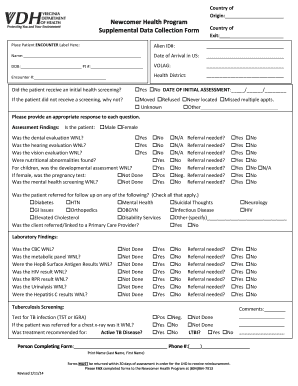
Supplemental collection form
The document is a Supplemental Data Collection Form for the Newcomer Health Program, designed to gather health assessmen ...
Licence distribution ground
The document outlines the application process for a commercial operator's licence for ground distribution of herbicides ...