




Here's how it works

01. Edit your form online
Type text, add images, blackout confidential details, add comments, highlights and more.

02. Sign it in a few clicks
Draw your signature, type it, upload its image, or use your mobile device as a signature pad.

03. Share your form with others
Send it via email, link, or fax. You can also download it, export it or print it out.
How to use or fill out JV-710s Juvenile Fitness Hearing Order (Welfare ... - California Courts - courts ca with our platform

- Click ‘Get Form’ to open the JV-710s Juvenile Fitness Hearing Order in the editor.
- Begin by entering your contact information in the designated fields, including your name, State Bar number, and address. This section is crucial for identification purposes.
- Fill in the court details such as the Superior Court of California, county, and case number. Ensure accuracy to avoid any delays.
- In Section 1, provide the date of the hearing and details about the judicial officer and attendees. This information is essential for record-keeping.
- Carefully review each criterion listed in Section 3 regarding the minor's eligibility for treatment programs. Mark 'califica' or 'no califica' based on your assessment.
- Complete Section 4 by indicating whether the minor meets specific legal criteria under sections 707(a)(1), 707(a)(2), or 707(c).
- Finally, ensure all fields are filled out correctly before saving or exporting your completed form for submission.
Start using our platform today to fill out your JV-710s form online for free!
Fill out JV-710s Juvenile Fitness Hearing Order (Welfare ... - California Courts - courts ca online
It's free
It's free
See more JV-710s Juvenile Fitness Hearing Order (Welfare ... - California Courts - courts ca versions
We've got more versions of the JV-710s Juvenile Fitness Hearing Order (Welfare ... - California Courts - courts ca form. Select the right JV-710s Juvenile Fitness Hearing Order (Welfare ... - California Courts - courts ca version from the list and start editing it straight away!
Security and compliance
At DocHub, your data security is our priority. We follow HIPAA, SOC2, GDPR, and other standards, so you can work on your documents with confidence.
Learn more


Related forms

ISU Course Completion Contract
The document outlines the Course Completion Contract at Idaho State University, which allows students to receive an inco ...

Swim Lesson Registration Form - www2 massgeneral
The document provides information about swim lesson registration at The Clubs at Charles River Park in Boston, including ...
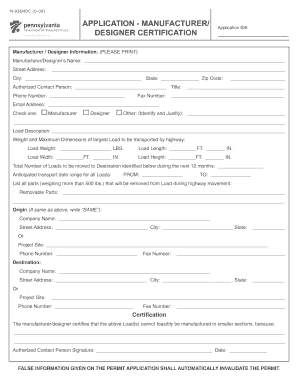
Application - manufacturer designer certification
The document is an application form for Manufacturer/Designer Certification used by the Pennsylvania Department of Trans ...

Apportioned Registration Forms and Publications
The document is the Pennsylvania Apportioned Registration Application Schedule B, used for reporting fleet mileage by ju ...
Fillable Automobile
The document is a comprehensive guide on automobile insurance in California, provided by the California Department of In ...
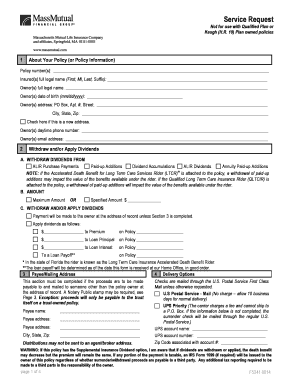
Massmutual request to surrender policy qualified plan form
The document is a Service Request form for policyholders of Massachusetts Mutual Life Insurance Company (MassMutual). It ...
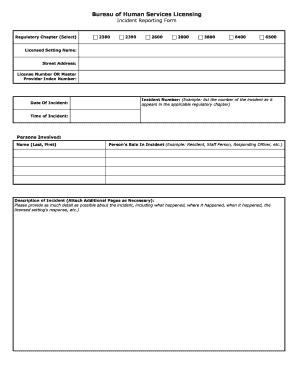
Bureau of human services licensing incident reporting form
The document is an Incident Reporting Form from the Bureau of Human Services Licensing, designed for licensed settings t ...

- tax alaska
The document is the Alaska Oil and Gas Corporation Net Income Tax Return form for the calendar year 2015. It includes se ...