




01. Edit your form online
Type text, add images, blackout confidential details, add comments, highlights and more.

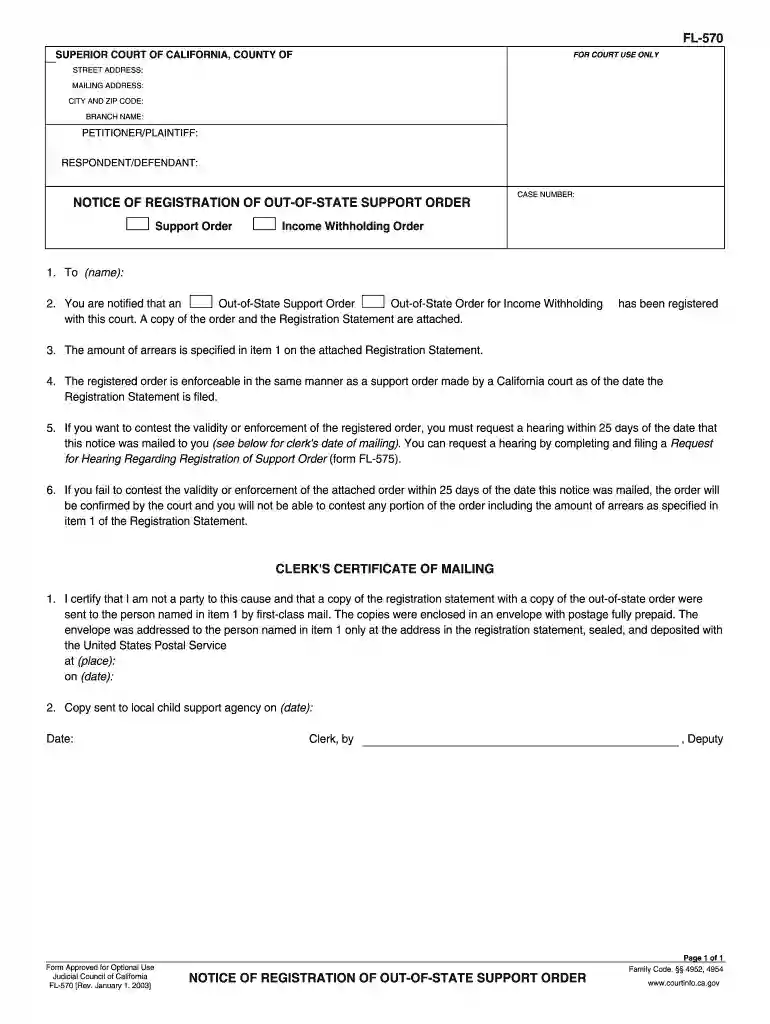
Type text, add images, blackout confidential details, add comments, highlights and more.

Draw your signature, type it, upload its image, or use your mobile device as a signature pad.

Send it via email, link, or fax. You can also download it, export it or print it out.

Start using our editor today for free to simplify your document completion process!
We've got more versions of the FL-570 NOTICE OF REGISTRATION OF OUT-OF ... - California Courts - courts ca form. Select the right FL-570 NOTICE OF REGISTRATION OF OUT-OF ... - California Courts - courts ca version from the list and start editing it straight away!
At DocHub, your data security is our priority. We follow HIPAA, SOC2, GDPR, and other standards, so you can work on your documents with confidence.
by JL Rensberger 2021 Cited by 30 CA and attaches a copy of her husbands California death certificate. courts until such time as the registration is complied with.381Read more
If you want to contest the validity or enforcement of the registered order, you must request a hearing within 20 days after notice.Read more
California (California Regional Water Quality Control Board [RWQCB] Central Valley. Region) have broadly interpreted nondegradation policies to specifyRead more


