




Here's how it works

01. Edit your vasectomy consent online
Type text, add images, blackout confidential details, add comments, highlights and more.

02. Sign it in a few clicks
Draw your signature, type it, upload its image, or use your mobile device as a signature pad.

03. Share your form with others
Send vasectomy consent form via email, link, or fax. You can also download it, export it or print it out.
How to use or fill out Vasectomy Consent Form (PDF) - Centre for Health - centreforhealth org with DocHub

- Click ‘Get Form’ to open it in the editor.
- Begin by entering your full name in the designated field at the top of the form, confirming your consent to undergo a vasectomy.
- Fill in the date of the procedure and provide details regarding your past medical history, allergies, and current medication in the respective sections.
- Indicate any contraception currently used and confirm that alternatives to vasectomy have been discussed with your healthcare provider.
- Review the risks, failure rate, and irreversibility sections carefully. Ensure you understand these components before proceeding.
- Sign and date the patient signature section, acknowledging that you have read and understood the form.
- If applicable, have your doctor sign in the confirmation section after they explain the procedure to you.
Start using our platform today to fill out your Vasectomy Consent Form easily and for free!
Fill out Vasectomy Consent Form (PDF) - Centre for Health - centreforhealth org online
It's free
It's free
See more Vasectomy Consent Form (PDF) - Centre for Health - centreforhealth org versions
We've got more versions of the Vasectomy Consent Form (PDF) - Centre for Health - centreforhealth org form. Select the right Vasectomy Consent Form (PDF) - Centre for Health - centreforhealth org version from the list and start editing it straight away!
| Versions | Form popularity | Fillable & printable |
|---|---|---|
| 2009 | 4 Satisfied (47 Votes) |
Security and compliance
At DocHub, your data security is our priority. We follow HIPAA, SOC2, GDPR, and other standards, so you can work on your documents with confidence.
Learn more


Related forms
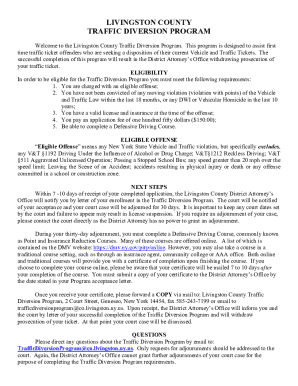
Letter To District Attorney Speeding Ticket
The Livingston County Traffic Diversion Program is designed for first-time traffic ticket offenders to help them avoid p ...

Pittsburgh popcorn fundraiser
The document is a fundraising order sheet for Pittsburgh Popcorn, supporting the Baldwin Borough Public Library. It incl ...

Mitie stars
The document is a nomination form for recognizing individuals or teams within the Mitie organization. It collects inform ...
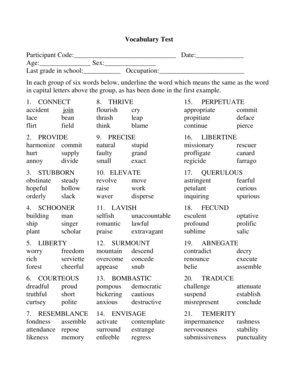
Mill hill vocabulary test pdf
The document is a vocabulary test designed to assess participants' understanding of synonyms. It consists of a series of ...
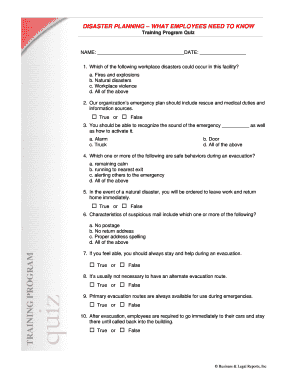
Disaster Planning - What Employees Need to Know - Quiz - 2-10doc
The document is a training program quiz focused on disaster planning for employees. It covers various types of workplace ...
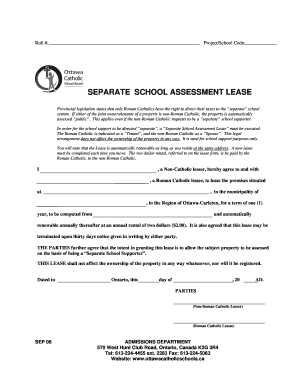
Separate School Assessment Lease Form - Ottawa Catholic School - ocsb
The document outlines the process for executing a 'Separate School Assessment Lease' which allows Roman Catholics to dir ...

Fire Safety Plan Single-Stage Fire Alarm System for:
The document outlines a Fire Safety Plan for a small establishment, detailing the requirements and procedures necessary ...
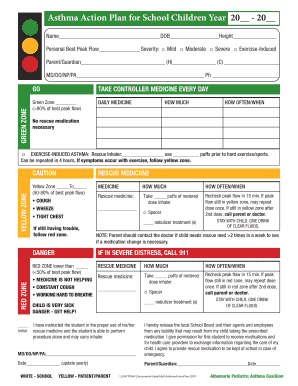
Asthma Action Plan for School Children Year 20
The document is an Asthma Action Plan for school children, outlining a structured approach to managing asthma symptoms t ...