



Here's how it works



How to use or fill out PLANT QUARANTINE INSPECTOR - California with our platform

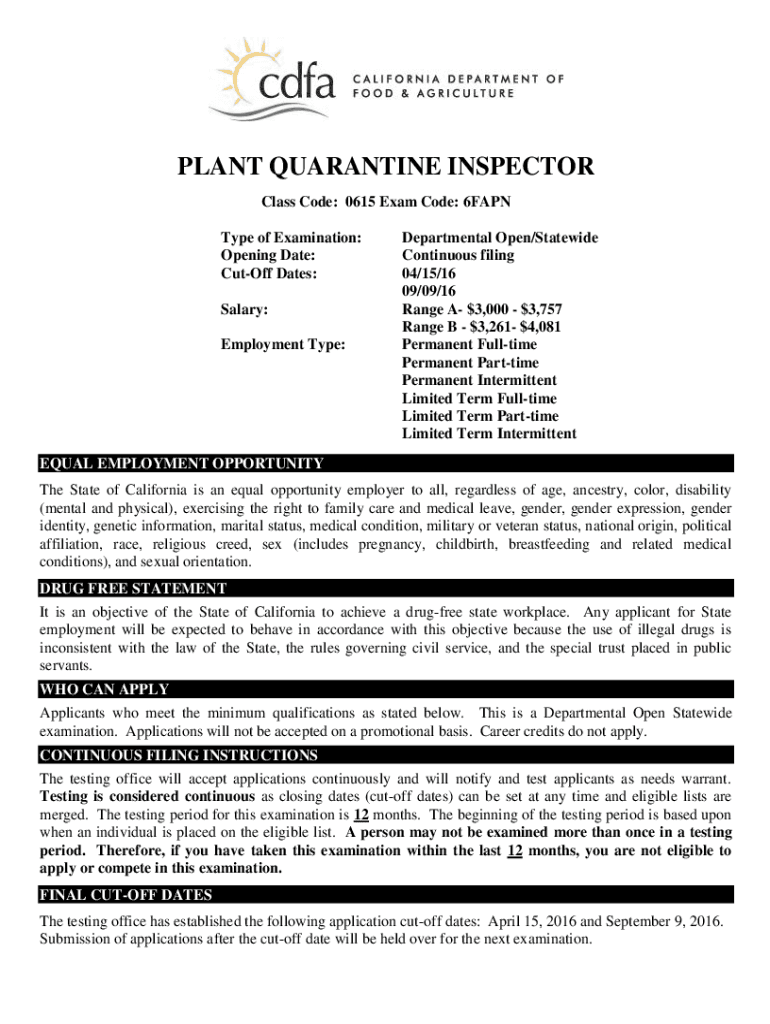
- Click ‘Get Form’ to open the PLANT QUARANTINE INSPECTOR document in the editor.
- Begin by filling out the Standard State Application (STD. form 678) section. Ensure you include all required dates and your original signature, as applications without these may be rejected.
- Next, complete the Supplemental Application. This is crucial as it accounts for 100% of your examination weight. Carefully read each question and provide detailed responses.
- For narrative questions, handwrite your answers directly in the provided space using a pen or pencil. Remember that neatness and clarity are essential for evaluation.
- Once completed, submit both applications to the specified address. Ensure you do not send them to CalHR, as this will lead to disqualification.
Start using our platform today for free to streamline your application process!
It's free
See more PLANT QUARANTINE INSPECTOR - California versions
Got questions?
How do I sign my PLANT QUARANTINE INSPECTOR - California on iOS?
With DocHub, you can easily sign your PLANT QUARANTINE INSPECTOR - California or any other paperwork on iOS, even without installing extra programs. You can access your DocHub account from any web-connected browser and complete and sign your form in any preferred method with just a couple of clicks.
How to complete PLANT QUARANTINE INSPECTOR - California on the internet for free in 2024?
Using a swift editing system like DocHub, you do not require anything but a web browser and internet connection to edit your PLANT QUARANTINE INSPECTOR - California online easily. Upload your document or find the appropriate form in DocHub’s catalog, open our editor with a single click, and finish it digitally. To edit your forms anytime, register a free account with DocHub.
Security and compliance
At DocHub, your data security is our priority. We follow HIPAA, SOC2, GDPR, and other standards, so you can work on your documents with confidence.
Learn more