Here's how it works



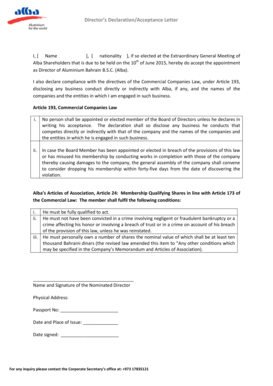
How to use or fill out DEM External Letterhead

- Click ‘Get Form’ to open it in the editor.
- Begin by entering the nominee's name in the designated field. Ensure that the spelling is correct for accurate recognition.
- Fill in the address section with either the nominee's work or home address, providing complete details for effective communication.
- Select one of the award categories by checking the appropriate box. Each category requires a brief explanation, so be prepared to attach reasons for your nomination.
- In the 'Nominated By' section, enter your name and contact phone numbers. Clearly state your relationship to the nominee to provide context.
- Provide a detailed reason for your nomination in the space provided, ensuring you highlight specific achievements or contributions.
- Finally, date and sign the form at the bottom to certify that all information is accurate and true.
Start filling out your DEM External Letterhead today using our platform for free!
It's free
See more DEM External Letterhead versions
Got questions?
How can I eSign my DEM External Letterhead from Gmail?
With DocHub, it’s quite simple. The service offers users an add-on called DocHub for Gmail, which you can find in the Google Workspace Marketplace without being charged. Install it and grant it access to your Google account. Open your email with your DEM External Letterhead attached and click on the add-on button in the right-side panel. Log in to your DocHub account, and upload the file to our editor, where you can complete it and sign.
Can I edit DEM External Letterhead on my phone?
As a comprehensive document modifying platform, DocHub is accessible on smart phones. Open DocHub in your choice of mobile browser and use our intelligent mobile-friendly toolset to complete your DEM External Letterhead.
Security and compliance
At DocHub, your data security is our priority. We follow HIPAA, SOC2, GDPR, and other standards, so you can work on your documents with confidence.
Learn more


Related forms