




Here's how it works

01. Edit your motion picture insurance eligibility online
Type text, add images, blackout confidential details, add comments, highlights and more.

02. Sign it in a few clicks
Draw your signature, type it, upload its image, or use your mobile device as a signature pad.

03. Share your form with others
Send mpi forms via email, link, or fax. You can also download it, export it or print it out.
How to use or fill out mpi home plan with our platform

- Click ‘Get Form’ to open the mpi home plan in the editor.
- Begin by entering your personal information in the designated fields, including your name, Social Security Number (SSN), and contact details. Ensure accuracy to avoid any issues with your contributions.
- In the Employer Information section, have your employer fill out their details, including name and contact information. This is crucial for proper documentation.
- Review the sideletter provisions carefully. Make sure that both you and your employer understand the terms regarding contributions to the MPI Plans versus Away Plans.
- Sign and date the document where indicated. Both you and your employer must provide signatures to validate this agreement.
- Once completed, submit copies of this document to both the Away Plan and the Motion Picture Industry Pension and Health Plans at the specified address.
Start using our platform today for free to streamline your mpi home plan completion!
Fill out mpi home plan online
It's free
It's free
Security and compliance
At DocHub, your data security is our priority. We follow HIPAA, SOC2, GDPR, and other standards, so you can work on your documents with confidence.
Learn more


Related forms

Insurance agency transfer form
The Agency Transfer Form is a document used to appoint AOC Insurance Broker as the servicing agent for an international ...

Bsa training award
The document outlines the requirements and progress record for the Venturing Training Award, which is aimed at registere ...
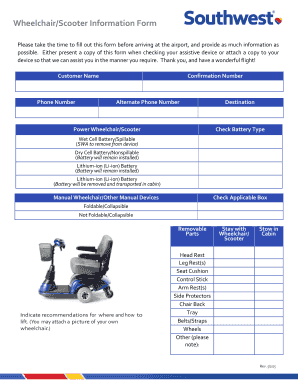
Southwest wheelchair form
The document is a Wheelchair/Scooter Information Form designed for travelers to provide essential details about their as ...

AUSTIN RADIOLOGICAL ASSOCIATION PATIENT CONSULT QUESTIONNAIRE
The document is a patient consultation questionnaire from the Austin Radiological Association, designed to collect essen ...

Iris checklist trial
The document is a checklist for IRIS participants outlining the required paperwork for enrollment, including specific fo ...

Fiba form
The document is an Individual Referee Information Form that requires referees to provide personal data, clothing sizes, ...
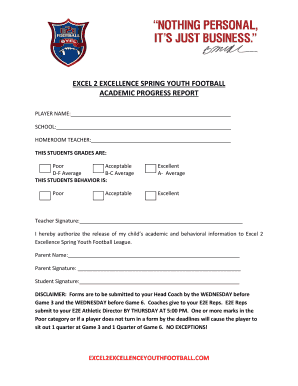
Football progress report
The document is an academic progress report for players in the Excel 2 Excellence Spring Youth Football program. It requ ...

Conservatorship questionnaire
The document is a confidential Guardianship and Conservatorship Questionnaire from Plachta, Murphy & Associates, P.C. It ...