




01. Edit your form online
Type text, add images, blackout confidential details, add comments, highlights and more.

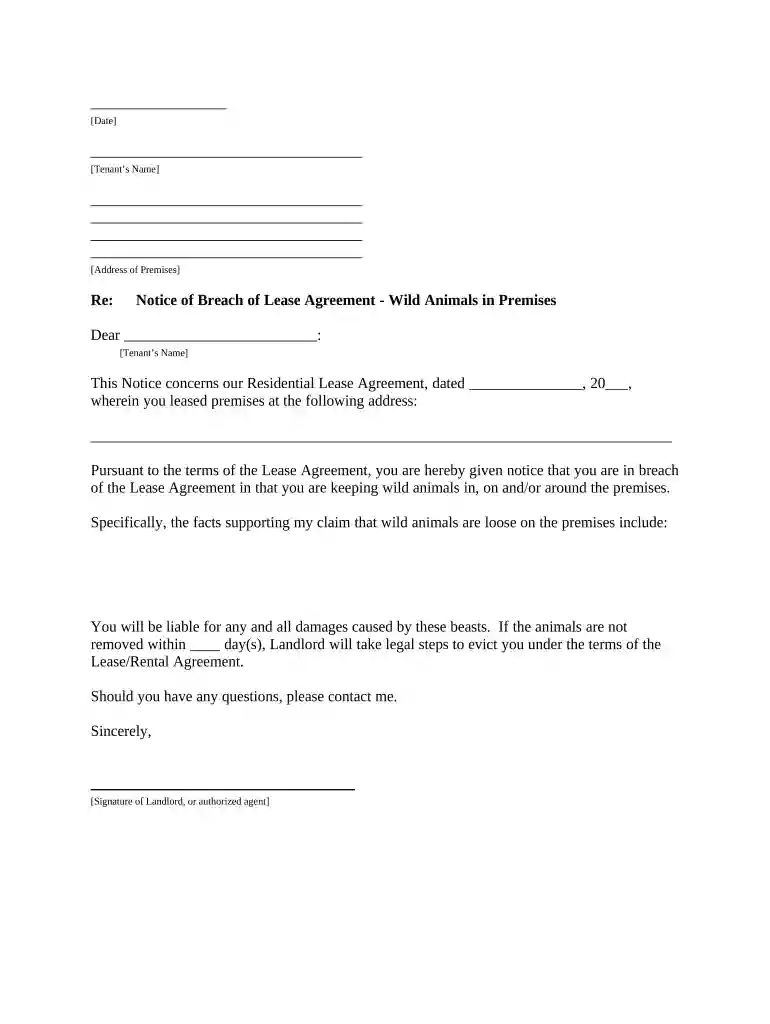
Type text, add images, blackout confidential details, add comments, highlights and more.

Draw your signature, type it, upload its image, or use your mobile device as a signature pad.

Send it via email, link, or fax. You can also download it, export it or print it out.

Start using our platform today to streamline your document editing and ensure effective communication with tenants!
Most eSignature services require users to have a paid subscription. With DocHub, there are two options for you to create an electronic signature to your letter landlord tenant free of charge:
The second option, however, has limitations on the number of signatures, sign requests, emails, and documents for adjusting available per month. You can check for full details here.
With DocHub, you have several convenient methods to edit your letter landlord tenant online. You can drag and drop the form and edit it straight at the DocHub website or use our browser extension to fill out your form right away. On top of that, you can edit your PDF on your phone, as DocHub works with all the available mobile platforms.
At DocHub, your data security is our priority. We follow HIPAA, SOC2, GDPR, and other standards, so you can work on your documents with confidence.


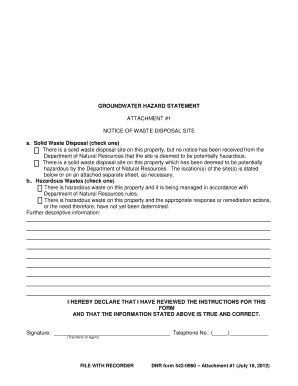
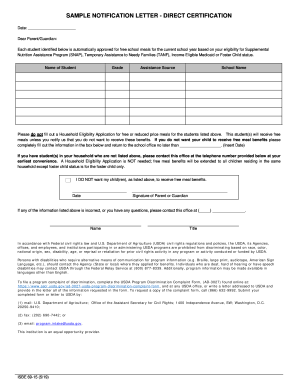
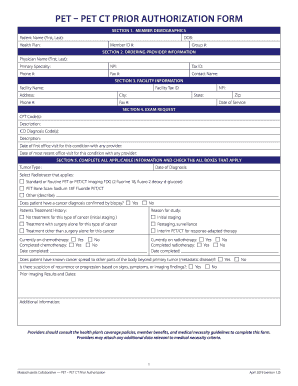

Explain the problem as clearly as you can. Be polite and respectful in your letter. Suggest ways to resolve the problem. Do not threaten to report yourRead more
Jul 1, 2025 This is a summary of tenants rights and responsibilities under the Virginia Residential Landlord and Tenant. Act. This summary does notRead more


