




01. Edit your cc dr 003 online
Type text, add images, blackout confidential details, add comments, highlights and more.

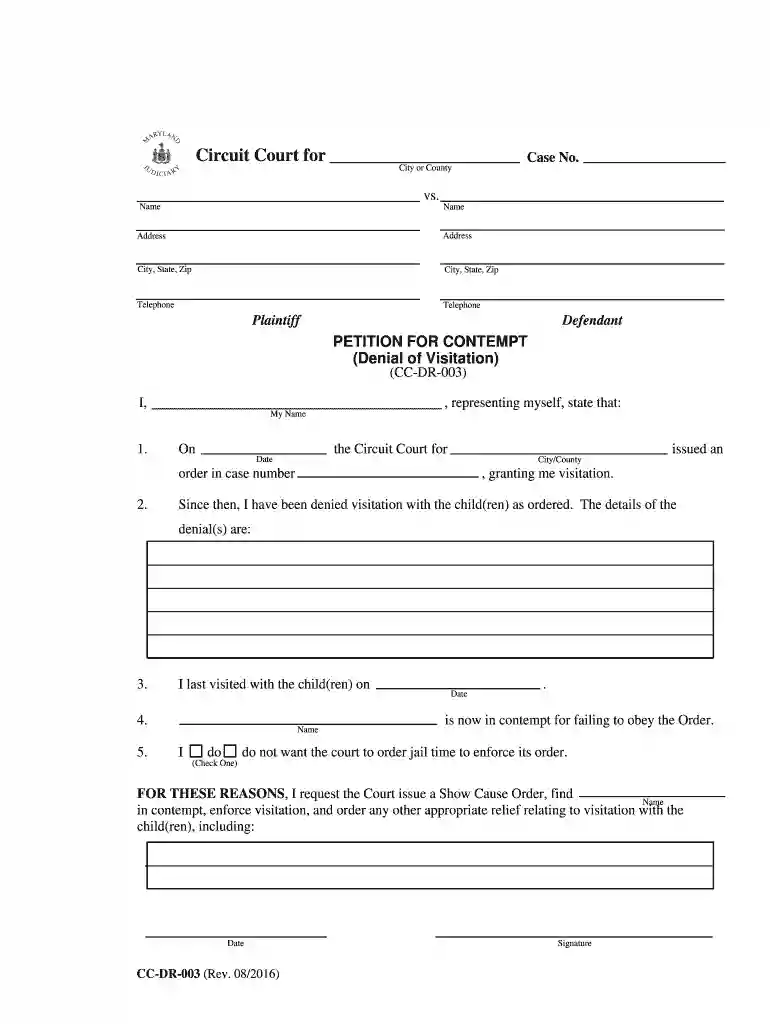
Type text, add images, blackout confidential details, add comments, highlights and more.

Draw your signature, type it, upload its image, or use your mobile device as a signature pad.

Send ex order via email, link, or fax. You can also download it, export it or print it out.

Start using our platform today to easily complete and submit your get cc mdcourts form online for free!
We've got more versions of the cc dr 003 form. Select the right cc dr 003 version from the list and start editing it straight away!
| Versions | Form popularity | Fillable & printable |
|---|---|---|
| 2016 | 4.8 Satisfied (176 Votes) |
Managing your documents with DocHub this way is extremely easy after you have downloaded its extension for Google Chrome. Go to the Chrome Web Store and set up DocHub - Sign PDF from Gmail to obtain it. Give our tool access to your Google account, and then open an email with the maryland 003 form attached and point to the file with your cursor - the DocHub extension button will automatically show up there. Click on it to open your document in our editor. Make any necessary modifications, fill out the blanks, and click Sign to create your legally-binding eSignature.
If you want to edit your maryland cc 003 on the internet quickly, it does not matter what web browser you use. DocHub’s simple editing instruments are accessible using any internet browser. Simply open the appropriate tab within our editor, add your file, and fill it out without stress.
At DocHub, your data security is our priority. We follow HIPAA, SOC2, GDPR, and other standards, so you can work on your documents with confidence.
The petitions (forms) for protective orders can be obtained from any circuit or District Court clerk or. District Court commissioner. Petitions for peace ordersRead more
How Do I Get a Copy of My Criminal Case? Court records are generally open to the public, with several exceptions. Records that have been expunged, shieldedRead more


