




01. Edit your model registration form online
Type text, add images, blackout confidential details, add comments, highlights and more.

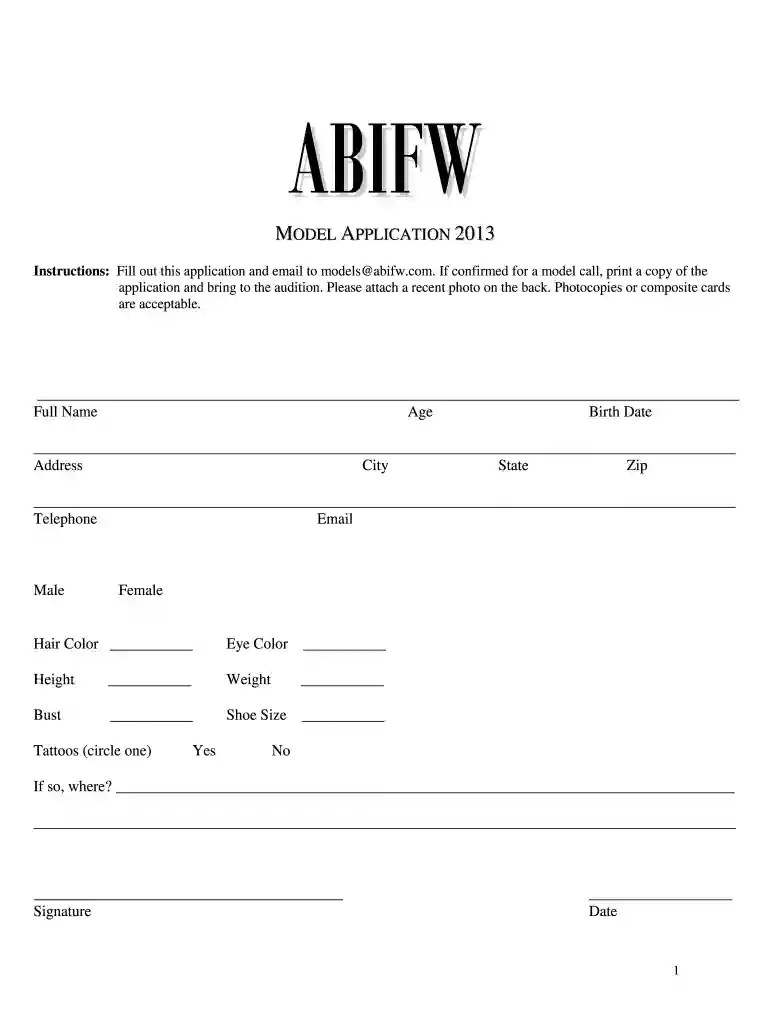
Type text, add images, blackout confidential details, add comments, highlights and more.

Draw your signature, type it, upload its image, or use your mobile device as a signature pad.

Send modeling registration via email, link, or fax. You can also download it, export it or print it out.

Start filling out your modelling form today for free and streamline your application process!
We've got more versions of the model registration form form. Select the right model registration form version from the list and start editing it straight away!
| Versions | Form popularity | Fillable & printable |
|---|---|---|
| 2013 | 4.8 Satisfied (131 Votes) |
At DocHub, your data security is our priority. We follow HIPAA, SOC2, GDPR, and other standards, so you can work on your documents with confidence.
Appendix B is part of 12 CFR Part 1006 (Regulation F). Regulation F is implemented by the Consumer Financial Protection Bureau.
In addition to the signed release form, University Communications establishes with subjects fair and realistic expectations for use of photographs or videos.Read more
Modelling. The ProgRAM system presents a high level of complexity, necessitating comprehensive modeling to ensure that its design is functional and scalableRead more


