




01. Edit your fta certificate of origin template online
Type text, add images, blackout confidential details, add comments, highlights and more.

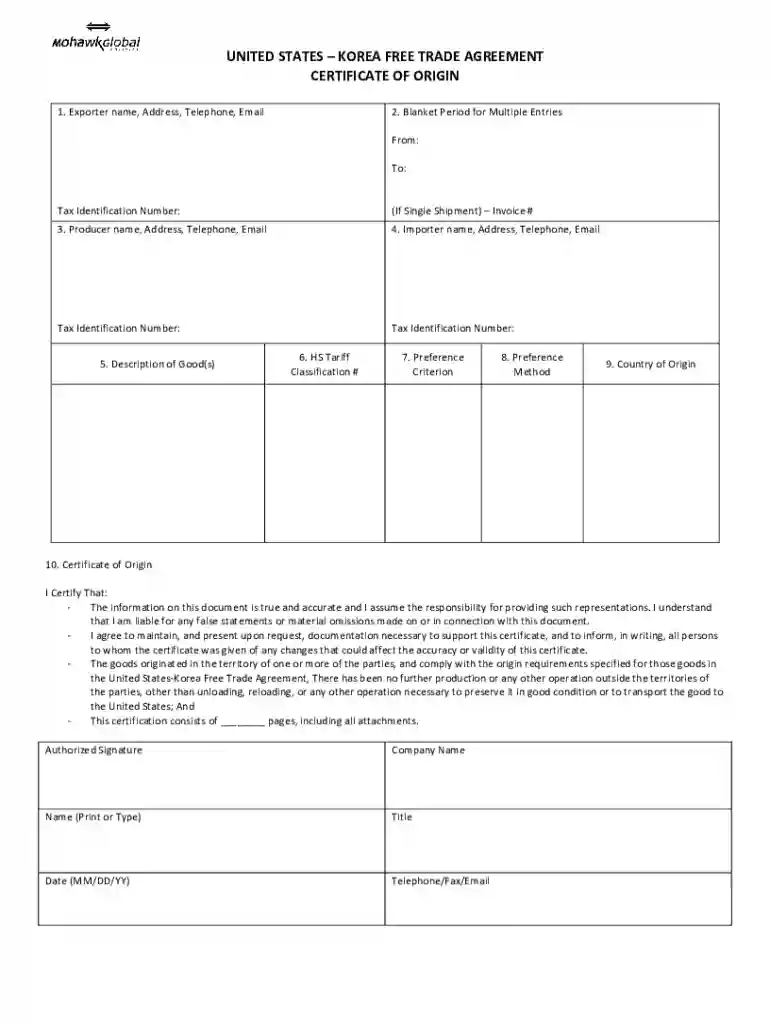
Type text, add images, blackout confidential details, add comments, highlights and more.

Draw your signature, type it, upload its image, or use your mobile device as a signature pad.

Send certificate of origin korea via email, link, or fax. You can also download it, export it or print it out.

Start using our platform today to streamline your document editing and form completion for free!
We've got more versions of the fta certificate of origin template form. Select the right fta certificate of origin template version from the list and start editing it straight away!
At DocHub, your data security is our priority. We follow HIPAA, SOC2, GDPR, and other standards, so you can work on your documents with confidence.
An importer who claims preferential tariff treatment on a good must submit, at the request of the Center director, a certification of origin or otherRead more
BCP 173 / RFC 6484 Certificate Policy (CP) for the Resource. Public Key RFC 3905 A Template for IETF Patent Disclosures and. Licensing DeclarationsRead more
A sample Certificate of Origin template may be accessed via the CBP website. For example, do not write Preference Criterion B on a Korea FTA form just becauseRead more


