




01. Edit your form online
Type text, add images, blackout confidential details, add comments, highlights and more.

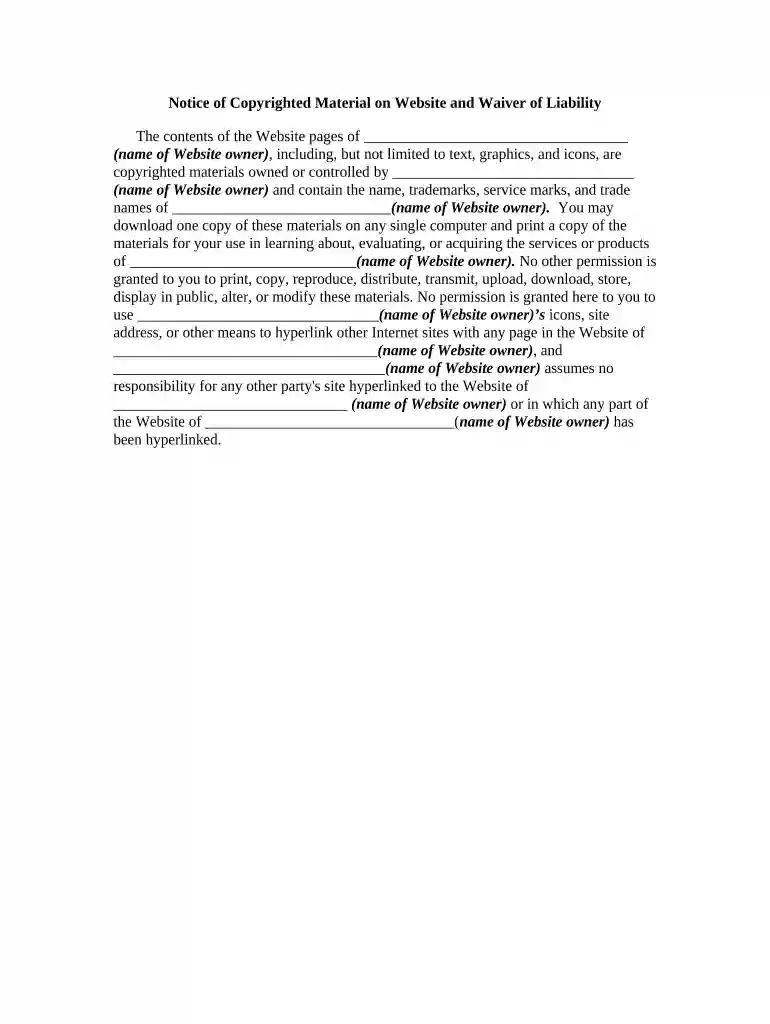
Type text, add images, blackout confidential details, add comments, highlights and more.

Draw your signature, type it, upload its image, or use your mobile device as a signature pad.

Send it via email, link, or fax. You can also download it, export it or print it out.

Start using our platform today to easily manage and fill out your copyrighted documents for free!
At DocHub, your data security is our priority. We follow HIPAA, SOC2, GDPR, and other standards, so you can work on your documents with confidence.


The purpose and character of the use, including whether the copied material will be for nonprofit, educational, or commercial use.Read more
Copyright is a type of intellectual property that protects original works of authorship as soon as an author fixes the work in a tangible form of expression.Read more
It is vitally important to ensure that any intellectual property that is used or incorporated into any (^Company Name^) product is properly licensed.


