




01. Edit your full disclosure letter sample online
Type text, add images, blackout confidential details, add comments, highlights and more.

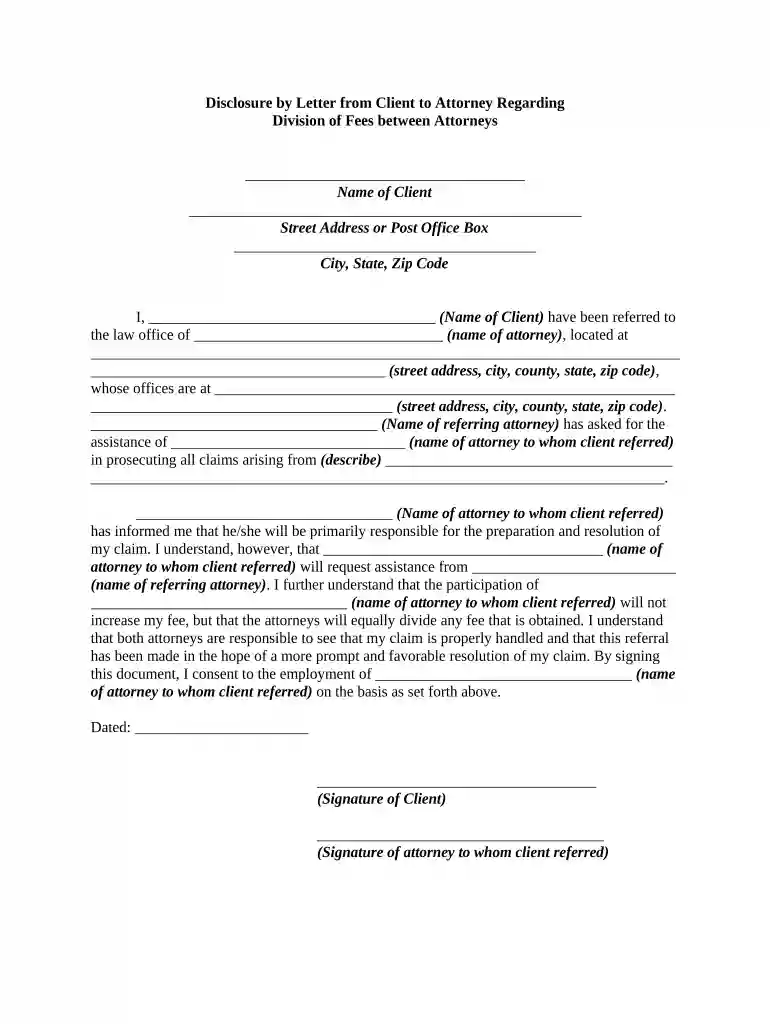
Type text, add images, blackout confidential details, add comments, highlights and more.

Draw your signature, type it, upload its image, or use your mobile device as a signature pad.

Send business disclosure letter sample via email, link, or fax. You can also download it, export it or print it out.

Start using our platform today to easily complete your disclosure letter online for free!
A lot of software solutions are available on the market for document editing and signing. DocHub is one of the most popular online solutions that comply with all security and compliance requirements and ensures your eSigned paperwork is legally enforceable. All you need to give it a try is to sign up for an account, add your disclosure request letter, fill out the necessary information, and click Sign. Create your electronic signature by typing, drawing it, uploading its picture to your document, or scanning a unique QR code.
Having a swift editing platform like DocHub, you do not need anything but a browser and connection to the internet to edit your disclosure letter on the internet quickly. Upload your document or get the appropriate form in DocHub’s catalog, open our editor with a single click, and finish it electronically. To edit your forms at any time, register a free profile with DocHub.
At DocHub, your data security is our priority. We follow HIPAA, SOC2, GDPR, and other standards, so you can work on your documents with confidence.



2.1 Specific, duplicative information 2.2 Permanent Public Record 2.3 Public domain test and prior disclosure of materials at trial 2.4 Attorney work product.Read more
It is important for you to be aware of the laws and policies concerning the use of copyrighted material, especially digital material music, movies, software,Read more


