




01. Edit your apology paragraph copy and paste online
Type text, add images, blackout confidential details, add comments, highlights and more.

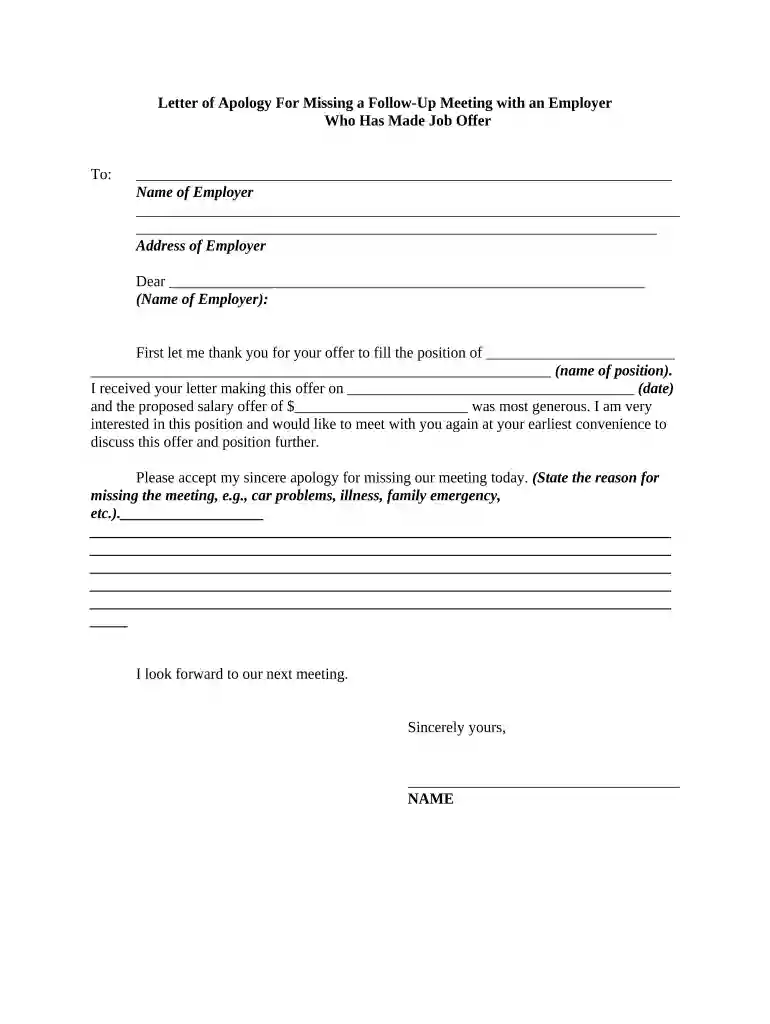
Type text, add images, blackout confidential details, add comments, highlights and more.

Draw your signature, type it, upload its image, or use your mobile device as a signature pad.

Send apology letter to friend via email, link, or fax. You can also download it, export it or print it out.

Start using our platform today to create and send your letter of apology online for free!
At DocHub, your data security is our priority. We follow HIPAA, SOC2, GDPR, and other standards, so you can work on your documents with confidence.




Dec 22, 2025 Letter of Apology suggests manifesting Selne to cleanse Lady Jannaths Estate. A plain, unadorned note. Properties.Read more
Here are some tips on how to write your apology with dignity and sincerity. Guidelines for writing apologies: Write as soon as possible after the incident.Read more
Court-ordered apology letters are generally sent to the Victim/Witness Coordinator in the District Attorneys Office in the county of conviction.


