




Here's how it works

01. Edit your pro forma affidavit online
Type text, add images, blackout confidential details, add comments, highlights and more.

02. Sign it in a few clicks
Draw your signature, type it, upload its image, or use your mobile device as a signature pad.

03. Share your form with others
Send proforma affidavit via email, link, or fax. You can also download it, export it or print it out.
How to use or fill out pro forma affidavit with our platform

- Click ‘Get Form’ to open the pro forma affidavit in the editor.
- Begin by filling in your name and address in the designated fields. Ensure that all information is accurate and complete.
- In section one, provide your confirmed booking details with Cebu Pacific Air, including the Confirmation No. and Booking Date. Attach a copy of your Itinerary Receipt as Annex 'A' using our platform's upload feature.
- For section two, enter the name under which the booking should be made. This is crucial for ensuring consistency in your travel documents.
- In section three, clarify any name discrepancies by stating that both names refer to one individual. This helps avoid confusion during your travel process.
- Finally, review all entries for accuracy before signing at the bottom of the affidavit. Use our platform’s signature tool to add your signature electronically.
Start using our platform today to effortlessly complete your pro forma affidavit online for free!
Fill out pro forma affidavit online
It's free
It's free
See more pro forma affidavit versions
We've got more versions of the pro forma affidavit form. Select the right pro forma affidavit version from the list and start editing it straight away!
| Versions | Form popularity | Fillable & printable |
|---|---|---|
| 2010 | 4.8 Satisfied (161 Votes) |
Security and compliance
At DocHub, your data security is our priority. We follow HIPAA, SOC2, GDPR, and other standards, so you can work on your documents with confidence.
Learn more


Related forms

Maintenance Treatment Emergency Fax Maintenance Controlled Prescription Form Documentation - bcpharm
Maintenance Treatment Emergency Fax Maintenance Controlled Prescription Form Documentation - bcpharm
The document is an Emergency Fax Methadone Maintenance Controlled Prescription Form, designed for use in urgent situatio ...
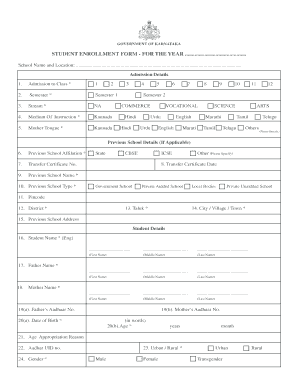
Student enrollment form
The document is a Student Enrollment Form for the Government of Karnataka, designed for collecting essential information ...
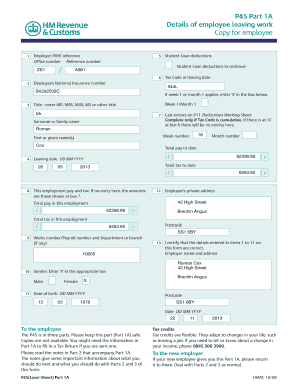
P45
The document consists of three parts of the P45 form, which details an employee's departure from work. Part 1A is for th ...

La metro prequalification
The document is a Pre-Qualification Application for contractors seeking to work with the Los Angeles County Metropolitan ...

Waste Stream Characterization Form - McCoys Hazardous Waste
The document is a Waste Stream Characterization Form used to evaluate and classify waste generated from specific process ...
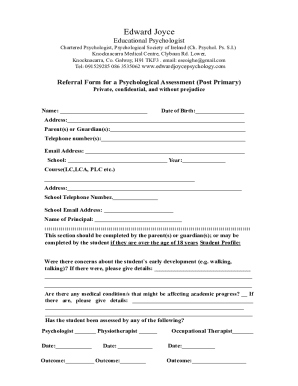
Referral Form for a Psychological Assessment (post Primary)
The document is a referral form for a psychological assessment for post-primary students, created by Edward Joyce, an ed ...
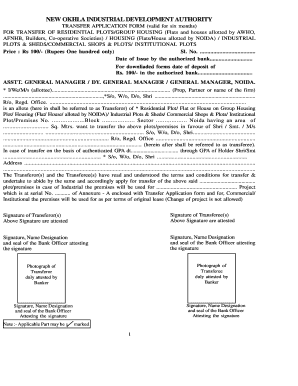
Tm form noida authority
The document is a transfer application form issued by the New Okhla Industrial Development Authority (NOIDA) for the tra ...
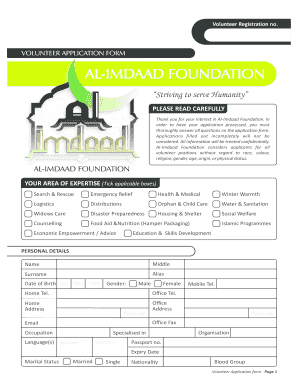
Al imdaad bursary
The document is a Volunteer Application Form for the Al-Imdaad Foundation, which outlines the process for individuals in ...