Ucc acceptance of goodsUcc acceptance of offerAcceptance of goods occurs when quizletRevocation of acceptance UCCOffer and acceptance contract2 608 uccOffer and acceptance examplesUCC 2-206 explained
Security and compliance
At DocHub, your data security is our priority. We follow HIPAA, SOC2, GDPR, and other standards, so you can work on your documents with confidence.
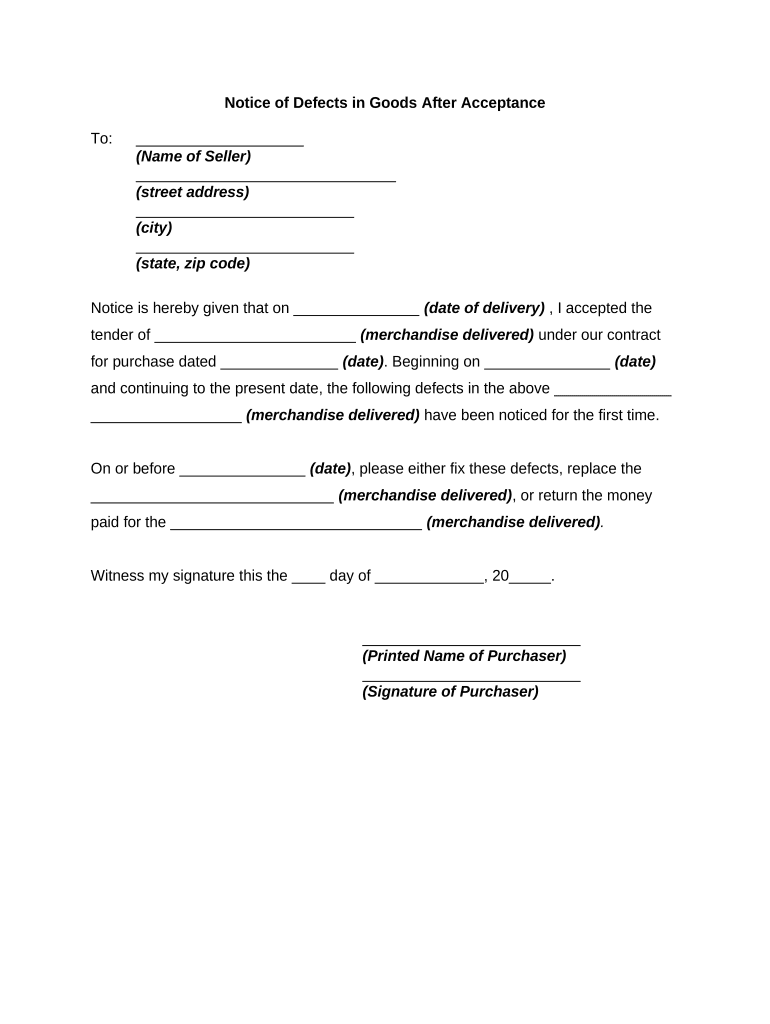
Acceptance of goods occurs when the buyer (a) after a reasonable opportunity to inspect the goods signifies to the seller that the goods are conforming.Read more
2-606. What Constitutes Acceptance of Goods. | US Law
(1) Acceptance of goods occurs when the buyer. (a) after a reasonable opportunity to inspect the goods signifies to the seller that the goods are conformingRead more
Cookie consent notice
This site uses cookies to enhance site navigation and personalize your experience.
By using this site you agree to our use of cookies as described in our Privacy Notice.
You can modify your selections by visiting our Cookie and Advertising Notice.