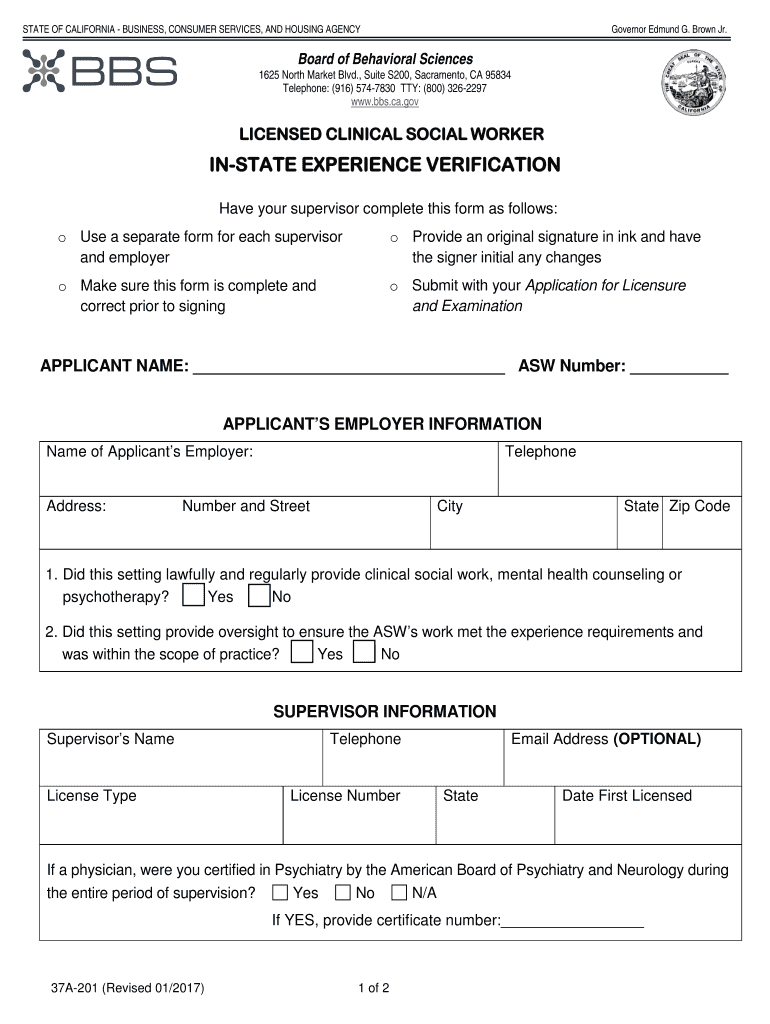
Start using our platform today to easily complete your fill in the blanks b bs 2011 form online for free!
Sure, a typed name is accepted as a legitimate electronic signature when you create it on your form using a compliant solution like DocHub. Simply add your fill in the blanks b bs 2011 form to our editor, click Sign in the top tool pane → Create your signature → Type your name in the appropriate tab, and decide how it will appear on your document.
If you use Chrome, there are two simple methods to edit your fill in the blanks b bs 2011 form online. First, visit the DocHub website, add your file, and edit it utilizing our toolbar. You can also install our Chrome extension and edit any document by dragging and dropping it in your web browser window.
At DocHub, your data security is our priority. We follow HIPAA, SOC2, GDPR, and other standards, so you can work on your documents with confidence.
Learn more