




01. Edit your declaration letter instruction online
Type text, add images, blackout confidential details, add comments, highlights and more.

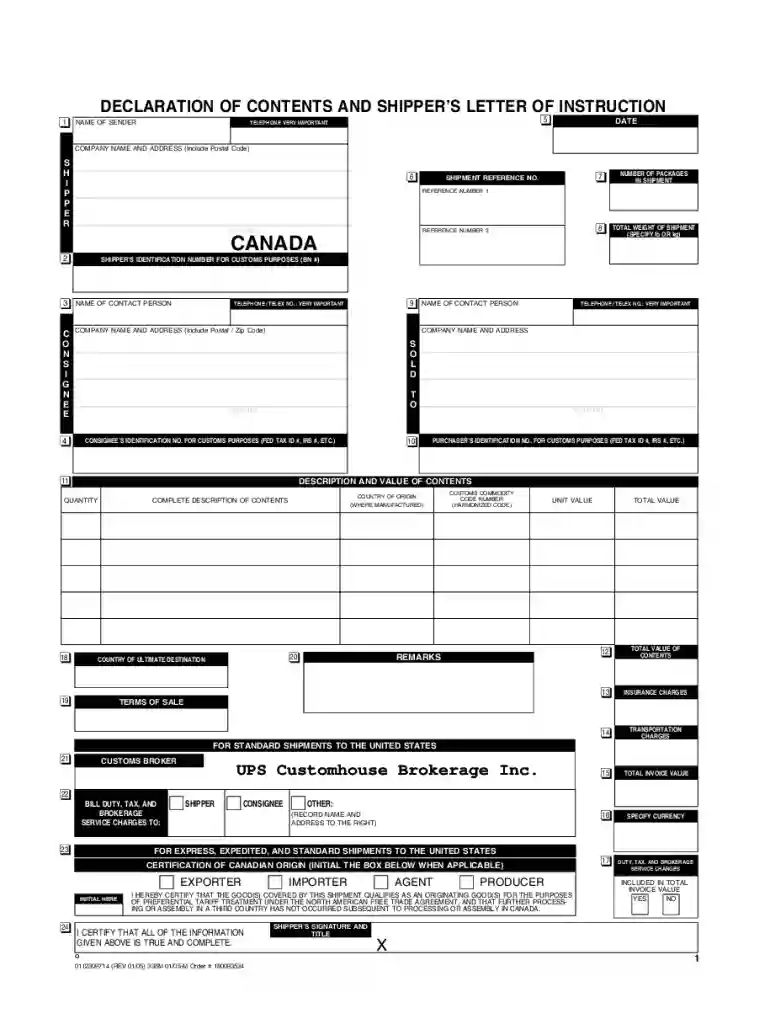
Type text, add images, blackout confidential details, add comments, highlights and more.

Draw your signature, type it, upload its image, or use your mobile device as a signature pad.

Send ups 0112309714 via email, link, or fax. You can also download it, export it or print it out.

Start using our platform today to streamline your document editing and ensure smooth international shipments!
We've got more versions of the declaration letter instruction form. Select the right declaration letter instruction version from the list and start editing it straight away!
| Versions | Form popularity | Fillable & printable |
|---|---|---|
| 2004 | 4.9 Satisfied (270 Votes) |
At DocHub, your data security is our priority. We follow HIPAA, SOC2, GDPR, and other standards, so you can work on your documents with confidence.
Mar 24, 2020 The public reporting burden for this collection of information is estimated to average 1 hour per response, including the time for reviewingRead more
The principal display panel of a food in package form shall bear a declaration of the net quantity of contents. This shall be expressed in the terms of weight,Read more


