




01. Edit your fee agreement template online
Type text, add images, blackout confidential details, add comments, highlights and more.

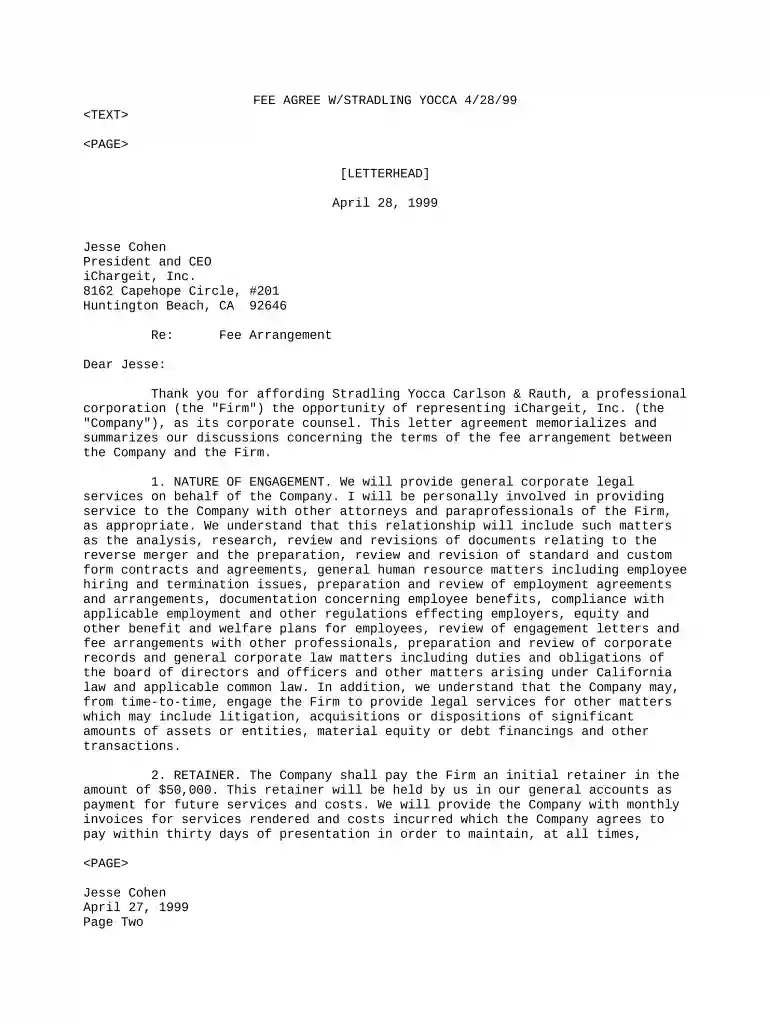
Type text, add images, blackout confidential details, add comments, highlights and more.

Draw your signature, type it, upload its image, or use your mobile device as a signature pad.

Send what is a fee sharing agreement via email, link, or fax. You can also download it, export it or print it out.

Start using our platform today to streamline your fee agreement process for free!
Electronic signatures are a perfect replacement for traditional signing, as they save time, effort, and costs people spend on printing, scanning, and paper delivery. You can electronically sign your fee sharing agreement sample utilizing a trustworthy and powerful online document management tool like DocHub. It complies with major eSignature regulations (ESIGN and UETA), so all documents approved there are legally binding and have the same validity as physically signed ones.
With DocHub, there are several convenient methods to edit your attorney fee sharing agreement sample online. You can drag and drop the form and edit it straight at the DocHub site or use our browser extension to fill out your form immediately. Additionally, you can edit your PDF on your smartphone, as DocHub works with all the accessible mobile platforms.
At DocHub, your data security is our priority. We follow HIPAA, SOC2, GDPR, and other standards, so you can work on your documents with confidence.


A contingency fee is a form of payment to a lawyer for their legal services. In contrast to a fixed hourly fee, in a contingent fee arrangement lawyers
Attorney will incur various costs and expenses in performing legal services under this Agreement. Client agrees to pay for all costs, disbursements and expenses
On certain projects, clients have agreed to up to 30% of expenses. Some Consulting Firms prefer a flat fee, out-of-pocket costs included, to avoid such


