




01. Edit your form online
Type text, add images, blackout confidential details, add comments, highlights and more.

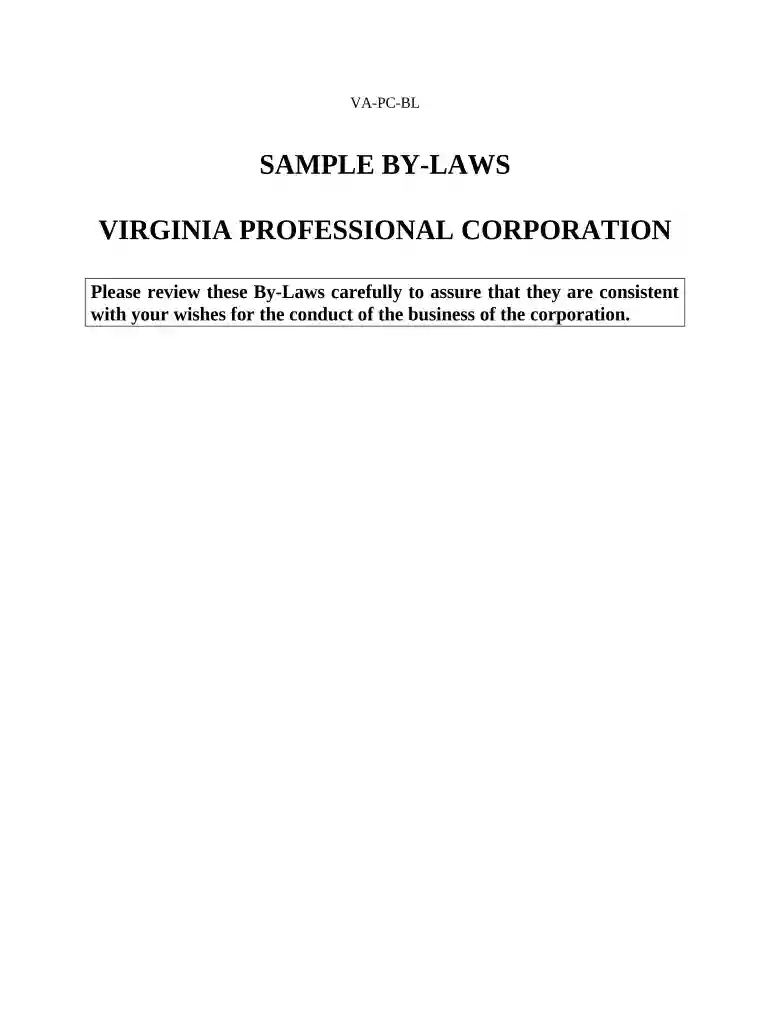
Type text, add images, blackout confidential details, add comments, highlights and more.

Draw your signature, type it, upload its image, or use your mobile device as a signature pad.

Send it via email, link, or fax. You can also download it, export it or print it out.

Start using our platform today to streamline your VA Corporation form completion for free!
At DocHub, your data security is our priority. We follow HIPAA, SOC2, GDPR, and other standards, so you can work on your documents with confidence.



Apr 30, 2021 Cumberland Resources Corporation, based in Abingdon, Virginia, was purchased by Massey Energy in March of 2010 and became part of Alpha Natural Resources inRead more
Nov 18, 2025 The State Corporation Commission is an independent agency with regulatory authority over many business and economic interests in Virginia.Read more
The State Corporation Commission (SCC) has regulatory authority over utilities, insurance, state-chartered financial institutions, securities, retailRead more


