




01. Edit your consent to search form template online
Type text, add images, blackout confidential details, add comments, highlights and more.

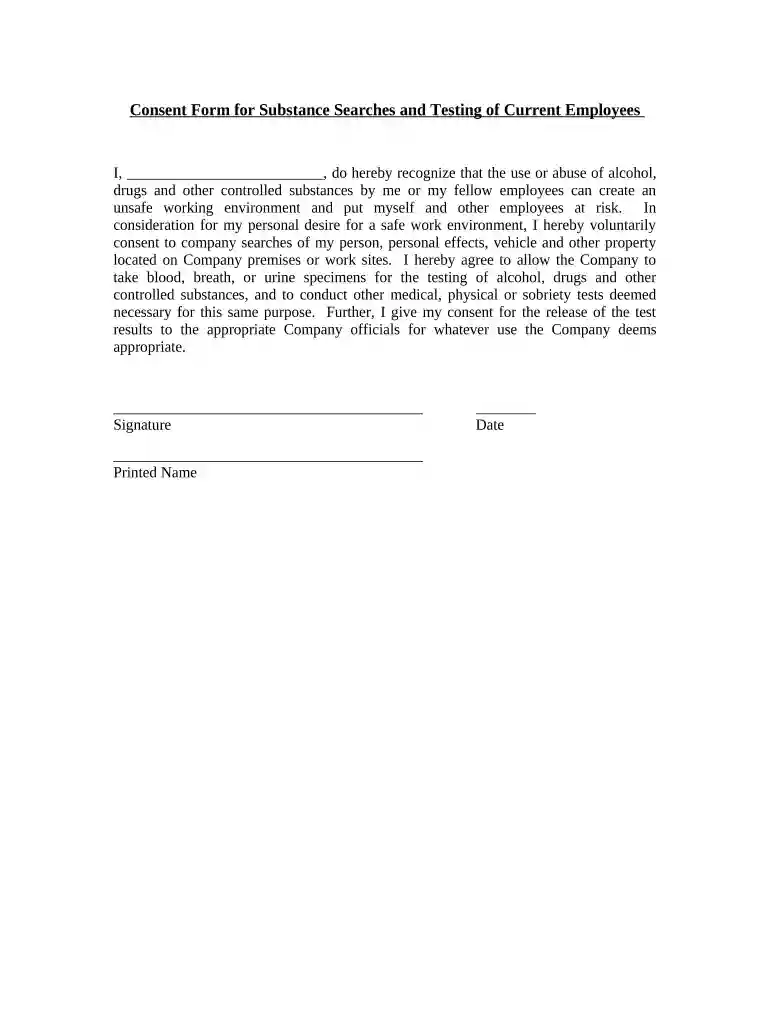
Type text, add images, blackout confidential details, add comments, highlights and more.

Draw your signature, type it, upload its image, or use your mobile device as a signature pad.

Send consent to search form via email, link, or fax. You can also download it, export it or print it out.

Start using our platform today for free to streamline your document editing and signing process!
Upload your consented search to DocHub (once you’ve created an account for this). If you need to complete fields in it, use appropriate tools from the top pane. For instance, drop Signature Fields, assign each to specific person, and click on Sign → Request signatures from others. Customize your message for your recipients and click Send Request. You can also send your form by fax or as a Signing link instead of using email (you’ll locate these options by navigating to the Menu → Send)
If you need to edit your consent searches online swiftly, it does not matter what browser you employ. DocHub’s simple editing instruments are available using any internet browser. Simply open the appropriate tab within our editor, add your document, and fill it out without stress.
At DocHub, your data security is our priority. We follow HIPAA, SOC2, GDPR, and other standards, so you can work on your documents with confidence.



An agencys duty to search may also require it to conduct specialized electronic searches where appropriate. Informed Consent Action Network v. U.S. Food AndRead more
One may consent to a search of his person or premises by officers who have not complied with the Amendment.Read more


