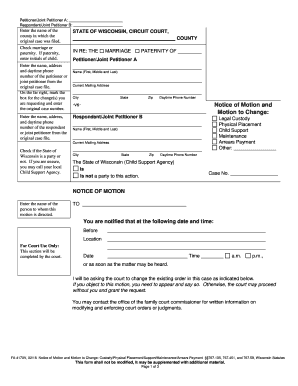
Work order contractor 2026

Get Form
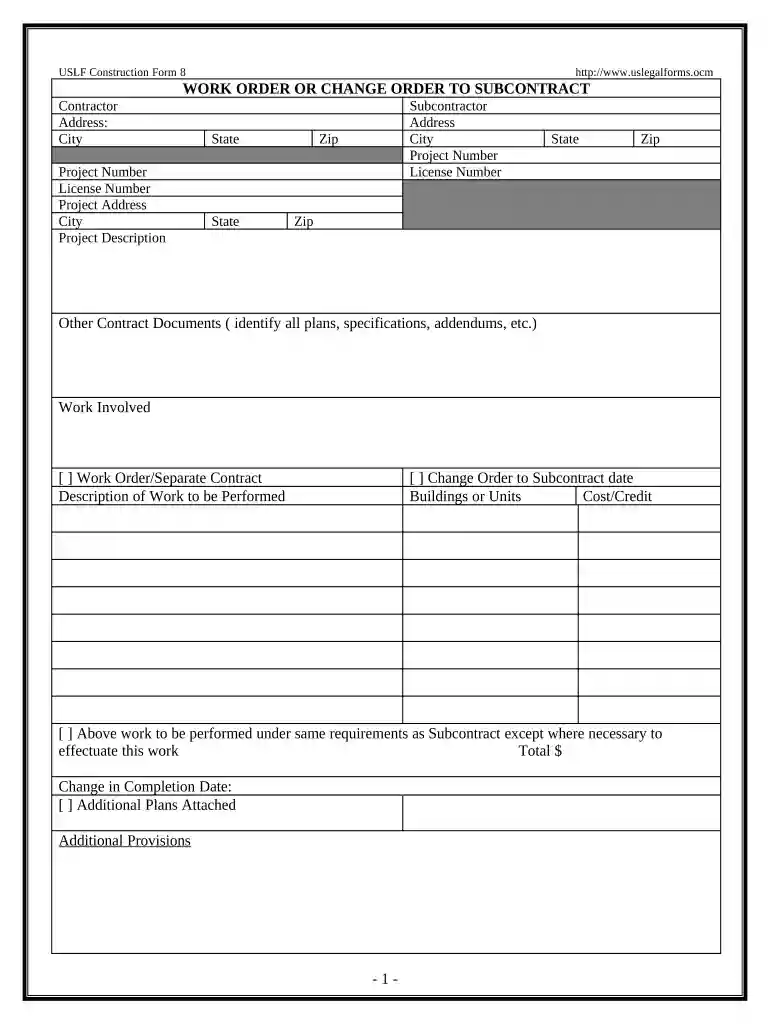
work order contractor Preview on Page 1

Here's how it works

01. Edit your form online
Type text, add images, blackout confidential details, add comments, highlights and more.

02. Sign it in a few clicks
Draw your signature, type it, upload its image, or use your mobile device as a signature pad.

03. Share your form with others
Send it via email, link, or fax. You can also download it, export it or print it out.

How to use or fill out work order contractor with our platform

Form edit decoration
9.5
Ease of Setup
DocHub User Ratings on G2
9.0
Ease of Use
DocHub User Ratings on G2
  1. Click ‘Get Form’ to open the work order contractor in the editor.
  2. Begin by filling in the Contractor's details, including Name, Address, City, State, and License Number. Ensure all information is accurate for seamless processing.
  3. Next, provide the Project Number and Project Address. This helps in identifying the specific project associated with this work order.
  4. In the Subcontractor section, repeat the process by entering their details: Name, Address, City, State, Zip Code, and License Number.
  5. Identify any other contract documents related to this work order by listing plans or specifications that apply.
  6. Select whether this is a Work Order or Change Order by checking the appropriate box and describe the work to be performed in detail.
  7. Indicate any changes in completion dates and attach additional plans if necessary. Finally, ensure both Contractor and Subcontractor sign and date the form for acceptance.

Start using our platform today to streamline your document editing and signing process for free!

be ready to get more

Complete this form in 5 minutes or less

Get form

Got questions?

We have answers to the most popular questions from our customers. If you can't find an answer to your question, please contact us.
Contact us
No, a work order is not a contract. This is simply an internal document that allows a business to plan resources in anticipation of executing the clients request.
A work order is a document that provides all the information about a maintenance task and outlines a process for completing that task. Work orders can include details on who authorized the job, the scope, who its assigned to, and what is expected. Work orders are the engine of your maintenance operation.
The primary purpose of a construction work order is for two parties, the contractor and the customer, to agree on the details of a project. By generating this document, you can estimate costs, timelines and materials needed along with who completes the tasks.
A work order in construction is a document that outlines the details of a specific project. Construction companies create these to define their expectations of the work they agree to do for their clients. Both parties often sign these documents to agree on the terms of the project.

Security and compliance

At DocHub, your data security is our priority. We follow HIPAA, SOC2, GDPR, and other standards, so you can work on your documents with confidence.
Learn more
ccpa2
pci-dss
gdpr-compliance
hipaa
soc-compliance
be ready to get more

Complete this form in 5 minutes or less

Get form