




01. Edit your form online
Type text, add images, blackout confidential details, add comments, highlights and more.

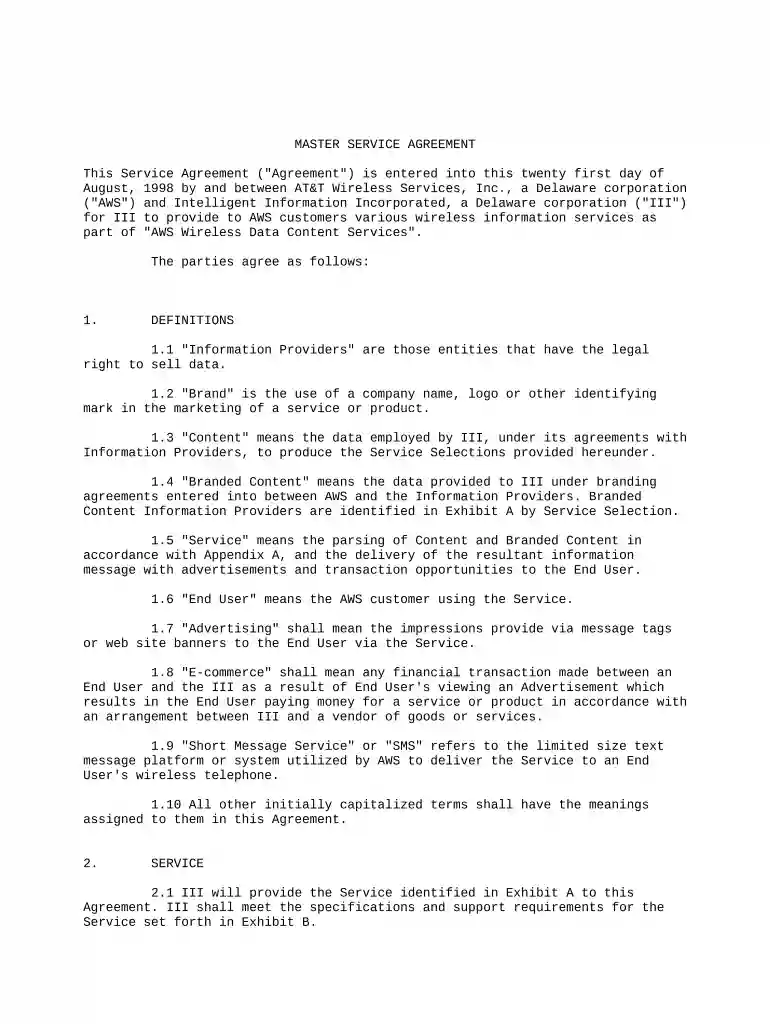
Type text, add images, blackout confidential details, add comments, highlights and more.

Draw your signature, type it, upload its image, or use your mobile device as a signature pad.

Send it via email, link, or fax. You can also download it, export it or print it out.

Start using our platform today to streamline your document editing and signing experience!
At DocHub, your data security is our priority. We follow HIPAA, SOC2, GDPR, and other standards, so you can work on your documents with confidence.
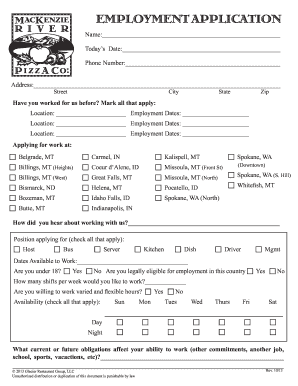
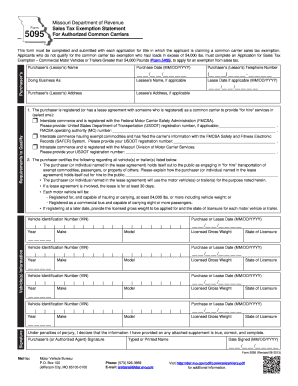
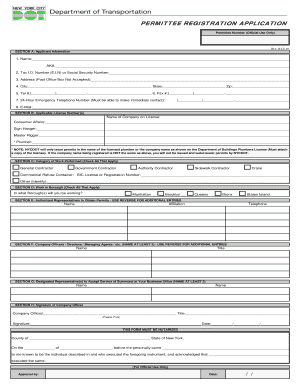

Subject to the terms and conditions set forth herein, Client hereby engages CU Denver and CU Denver hereby accepts the engagement, to provide the servicesRead more
An MSA is a legally binding agreement that outlines how a company and a client will collaborate on all present and future projects within a specified timeframe.Read more


